
tw93/Pake
🤱🏻 Turn any webpage into a desktop app with one command.
Build with Backblaze B2
SDKs, agent skills, IDE extensions, and reference pipelines from Backblaze Labs. All open source.
Loading star history...
Use Cases & Benefits
- Turn any webpage into a lightweight desktop application using Rust and Tauri with a simple command-line tool.
- Offers a significantly smaller and faster alternative to Electron-based apps, with packages around 5MB and high performance.
- Use for quickly packaging web apps into native desktop apps across Mac, Windows, and Linux without heavy dependencies.
- Ideal for developers seeking to customize desktop app behavior and appearance with Rust and advanced configuration options.
- Use for creating immersive, minimalist desktop clients for popular web services like YouTube, Twitter, and ChatGPT.
About Pake
English | 简体中文 | 日本語

Pake
Turn any webpage into a desktop app with Rust with ease.






Features
- 🎐 Nearly 20 times smaller than an Electron package (around 5M!)
- 🚀 With Rust Tauri, Pake is much more lightweight and faster than JS-based frameworks.
- 📦 Battery-included package — shortcut pass-through, immersive windows, and minimalist customization.
- 👻 Pake is just a simple tool — replace the old bundle approach with Tauri (though PWA is good enough).
Popular Packages
| WeRead Mac Windows Linux | Twitter Mac Windows Linux |
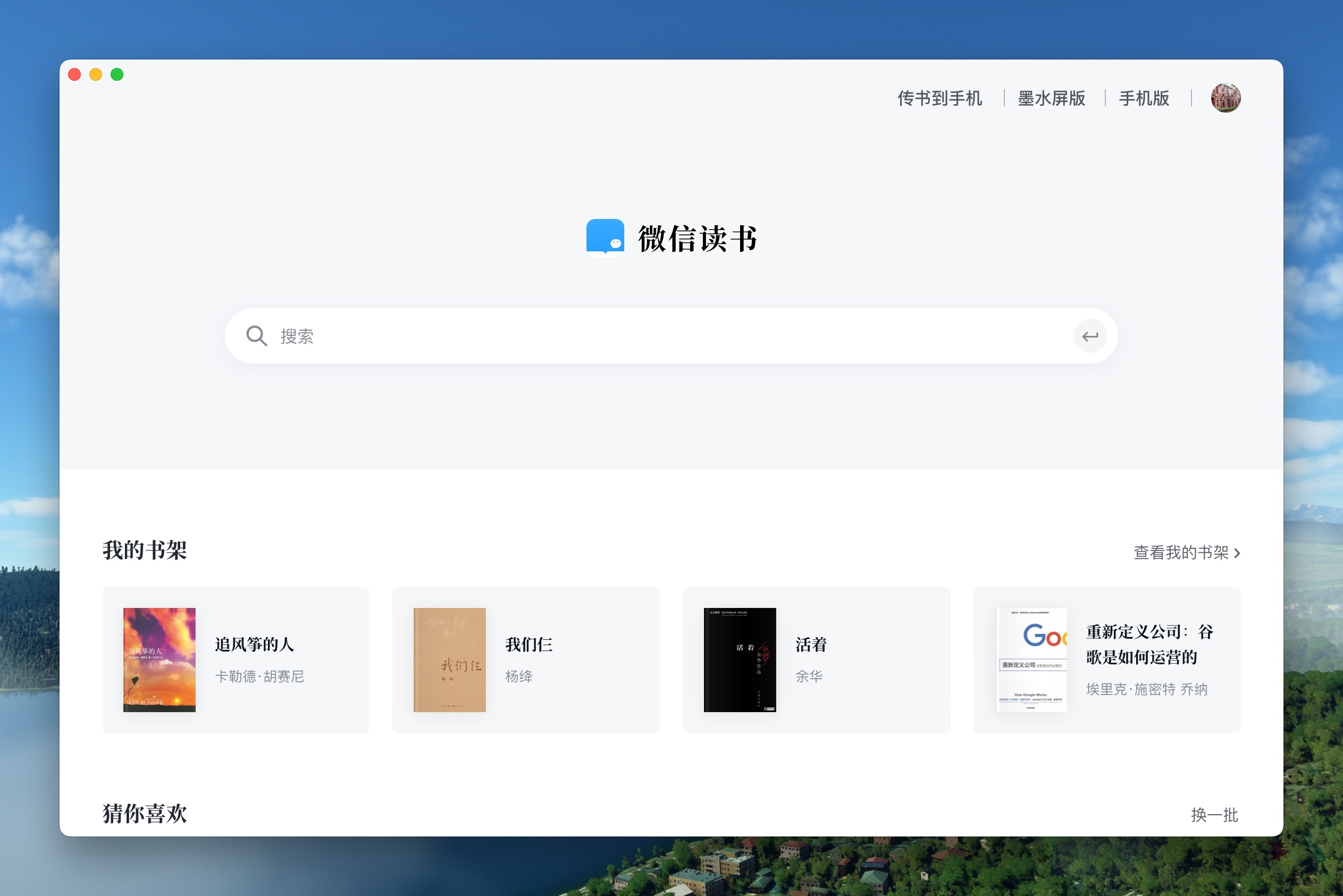 | 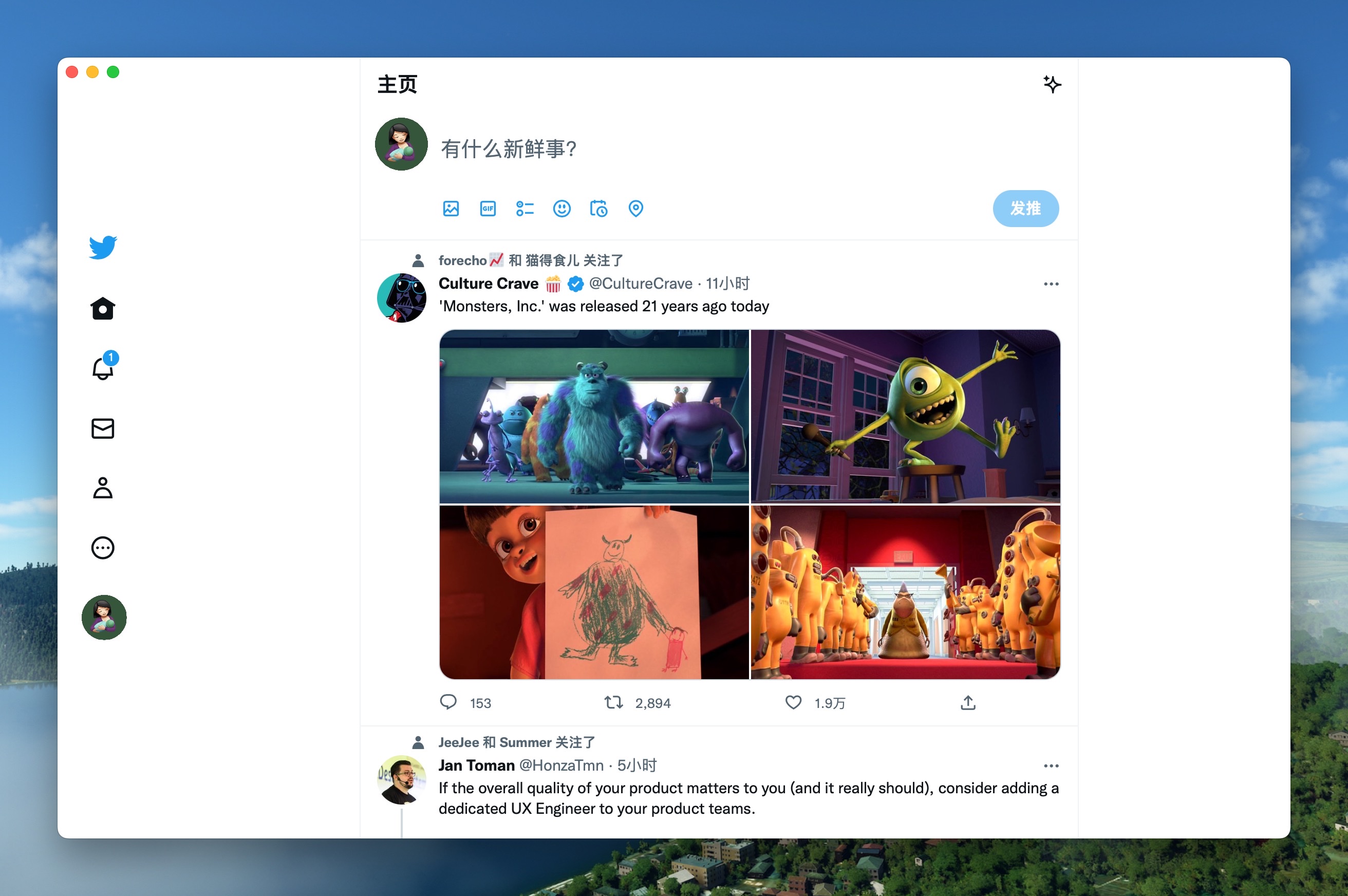 |
| Grok Mac Windows Linux | DeepSeek Mac Windows Linux |
 |  |
| ChatGPT Mac Windows Linux | Gemini Mac Windows Linux |
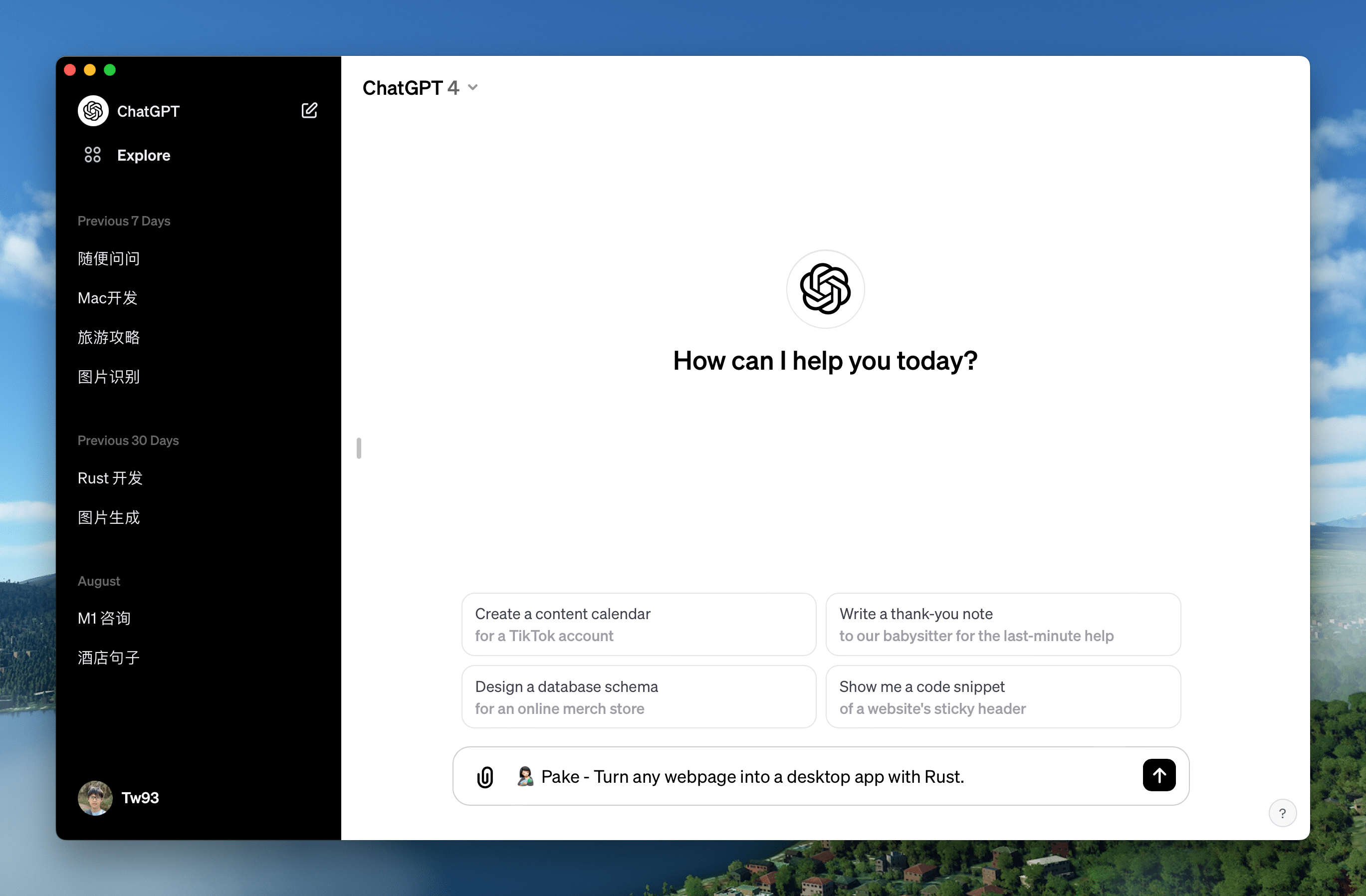 | 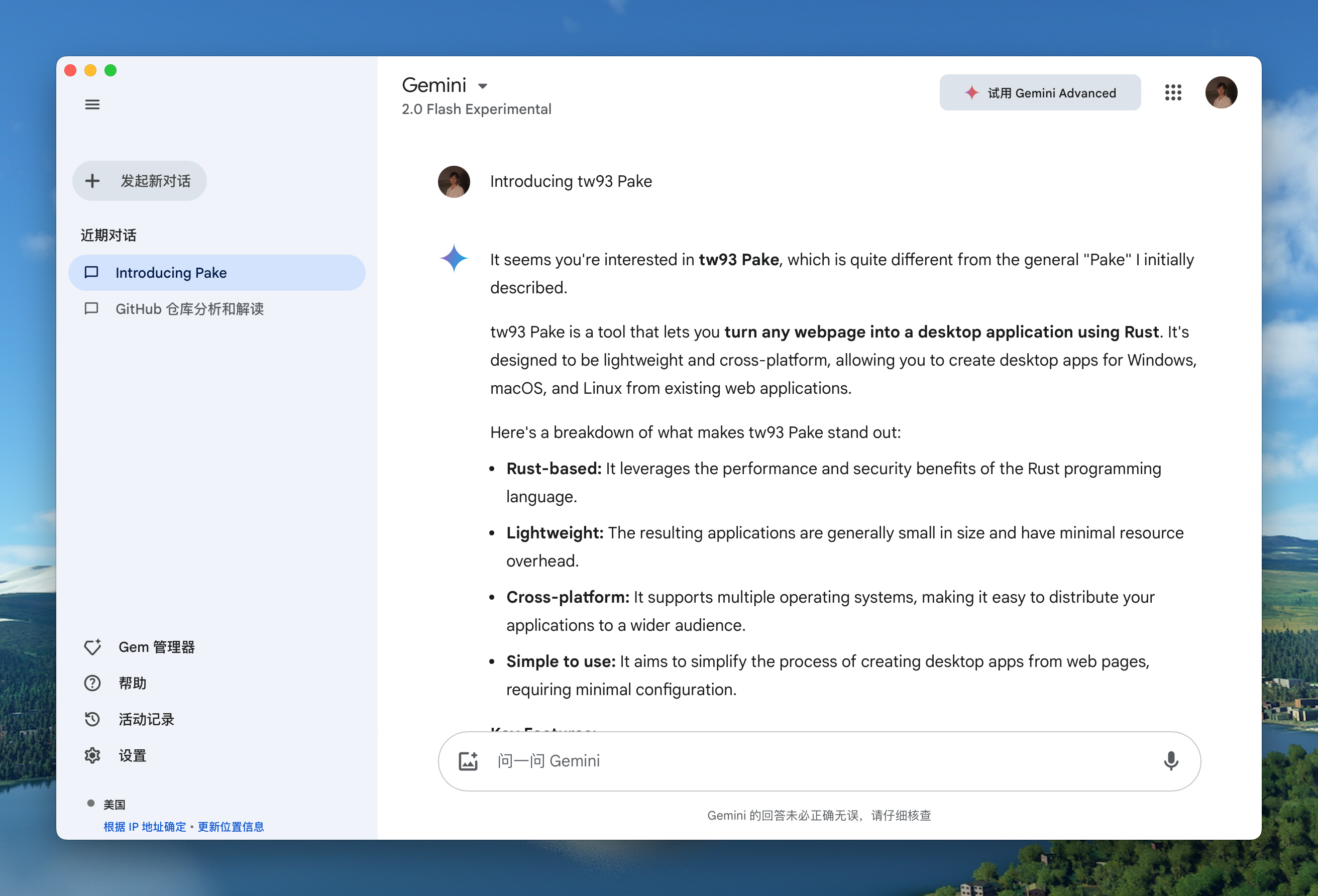 |
| YouTube Music Mac Windows Linux | YouTube Mac Windows Linux |
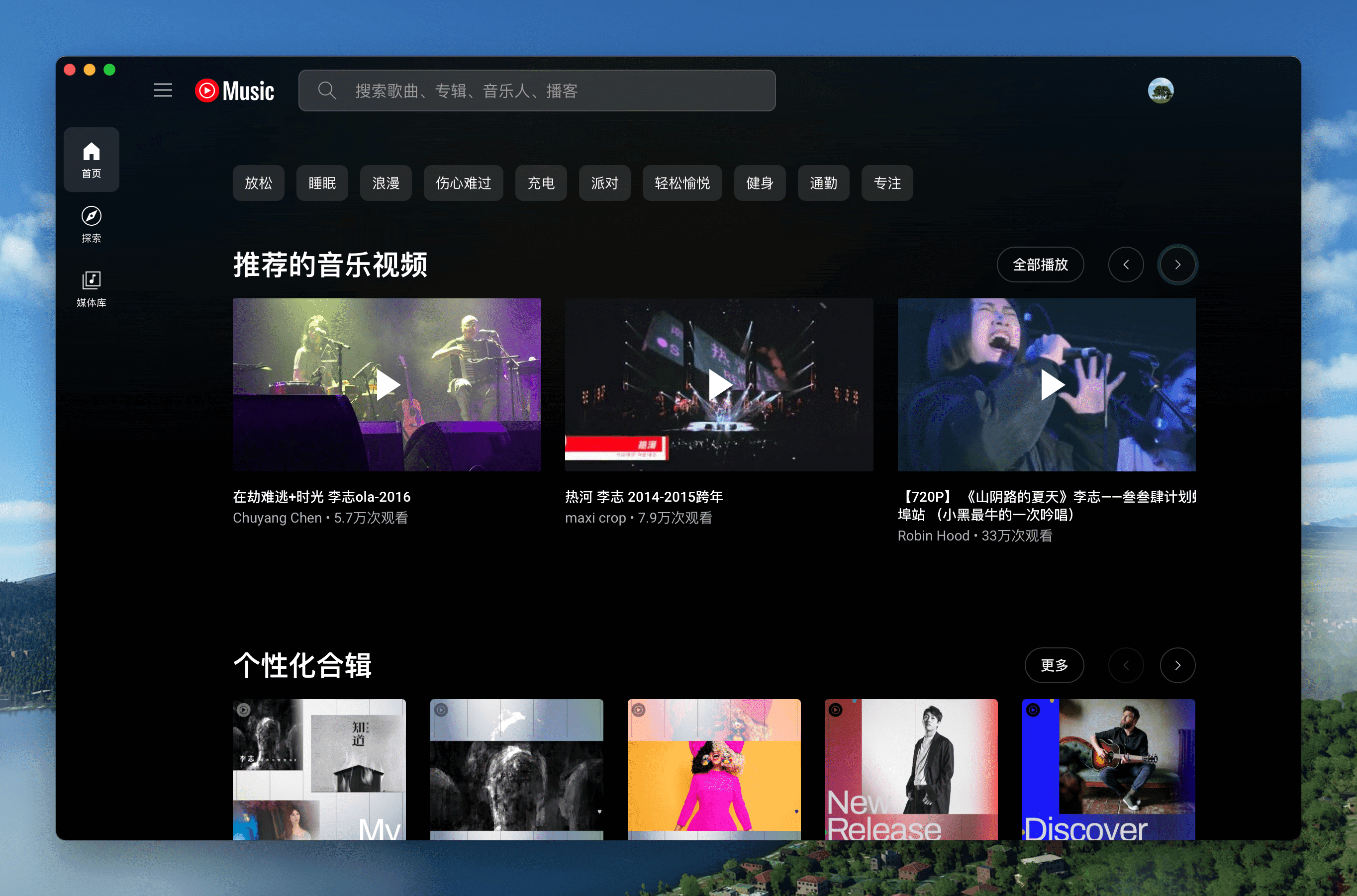 | 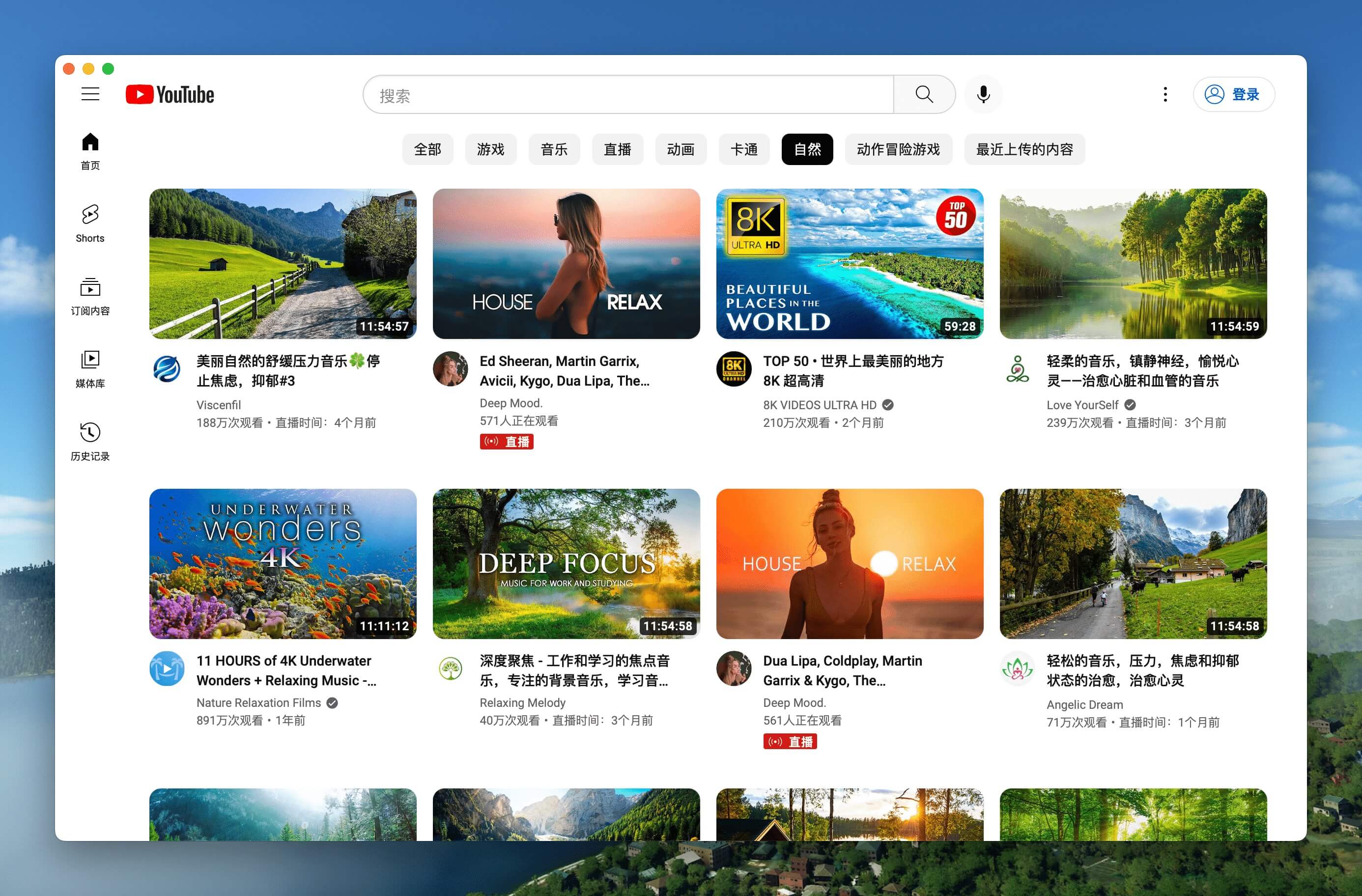 |
| LiZhi Mac Windows Linux | ProgramMusic Mac Windows Linux |
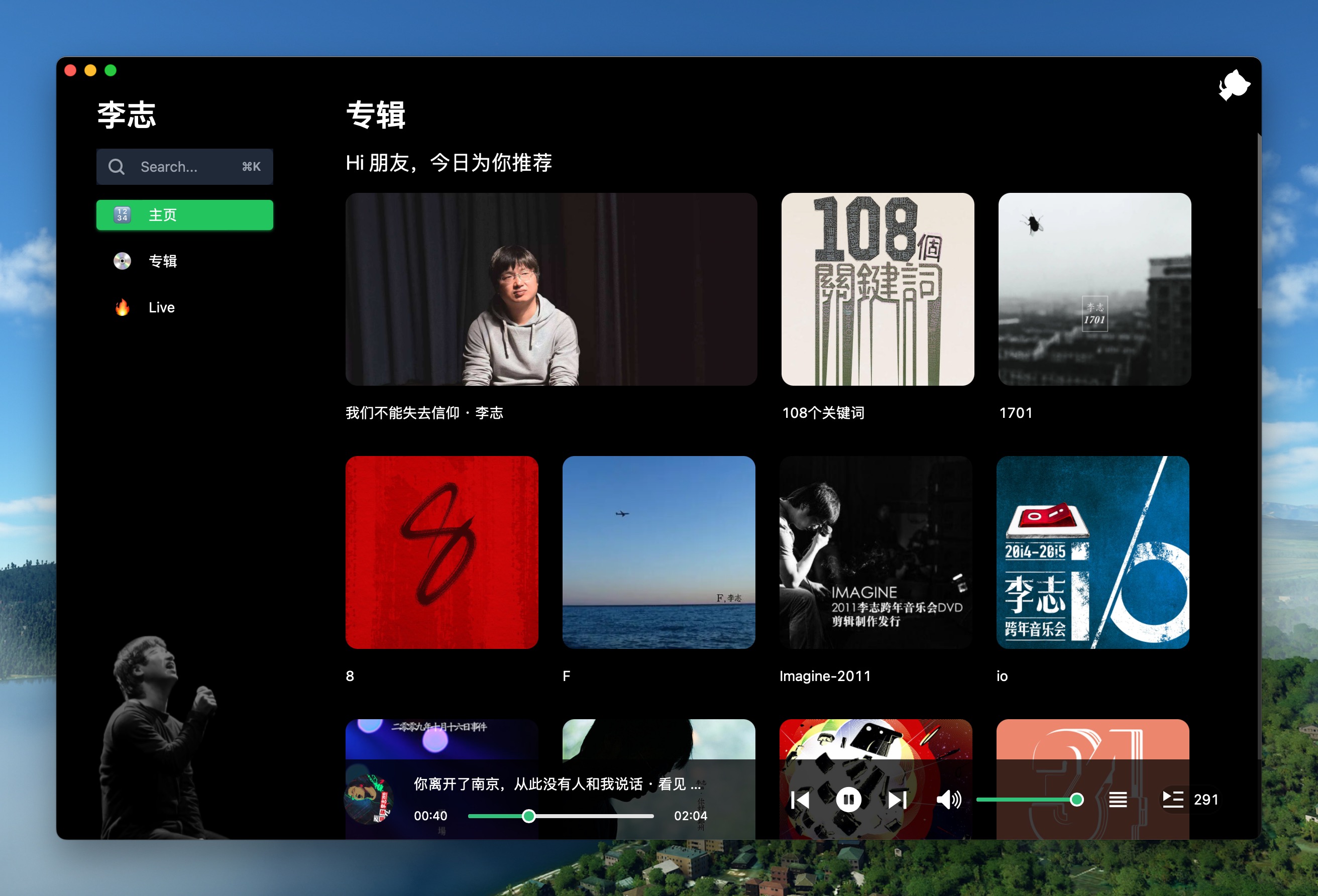 | 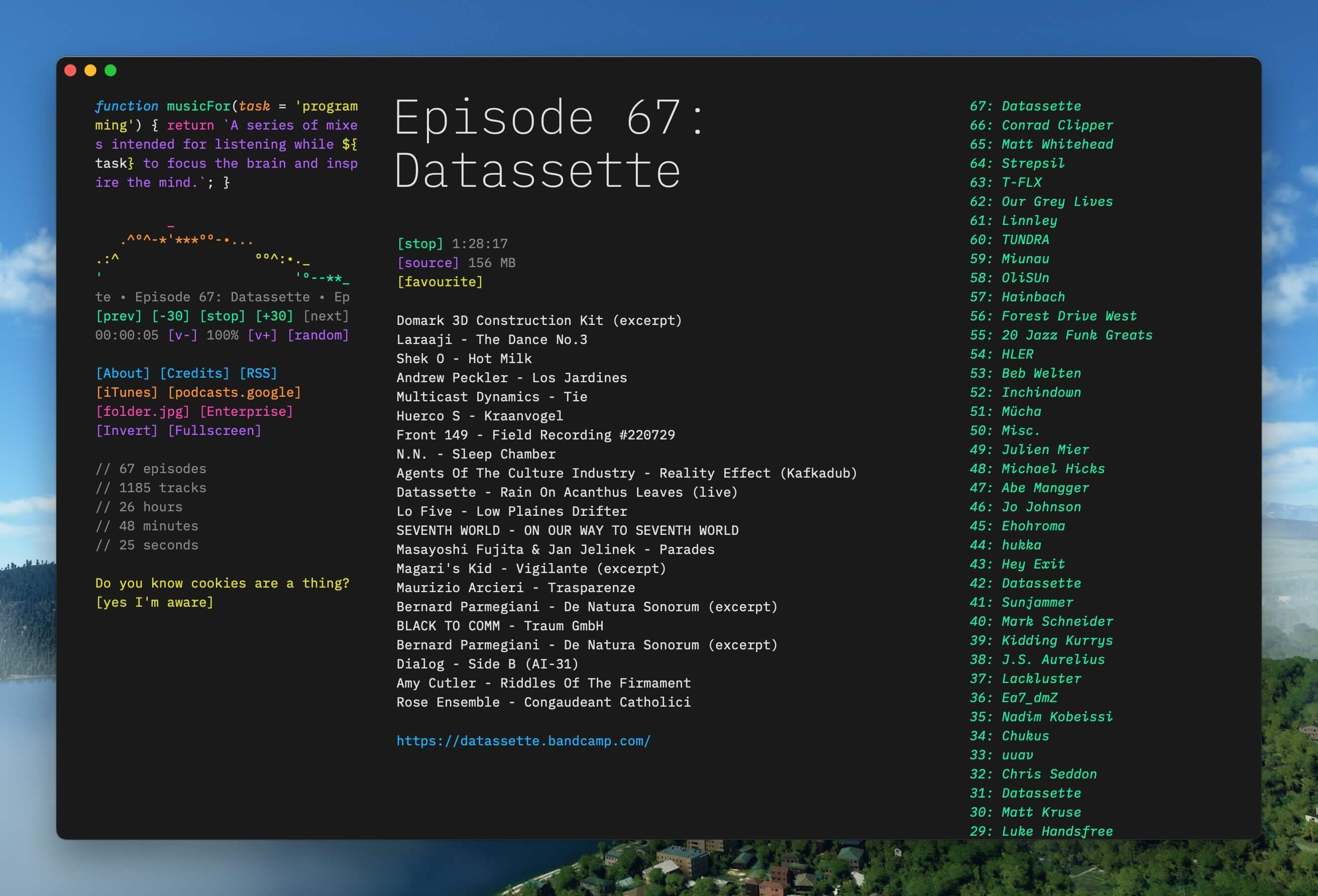 |
| Excalidraw Mac Windows Linux | XiaoHongShu Mac Windows Linux |
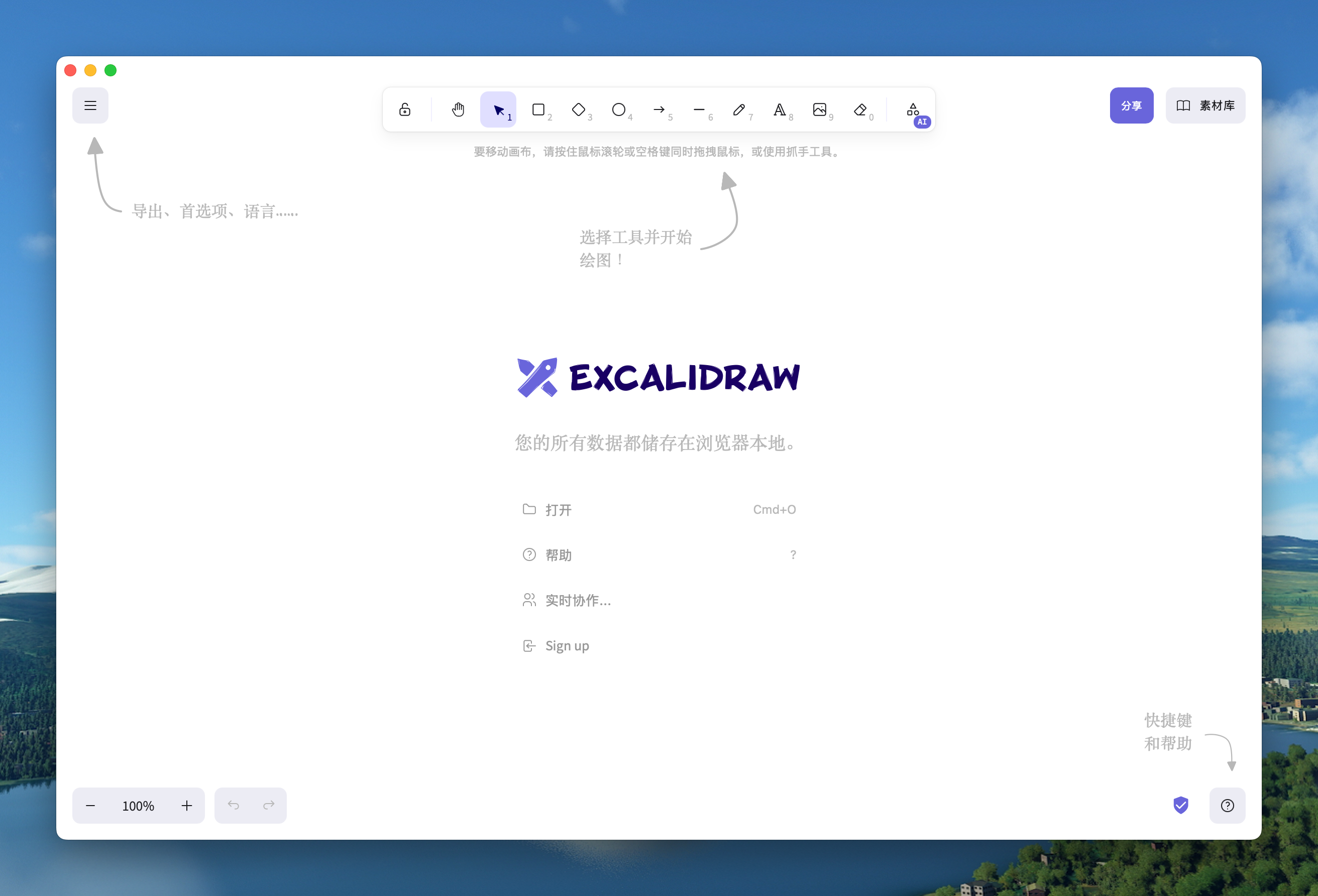 | 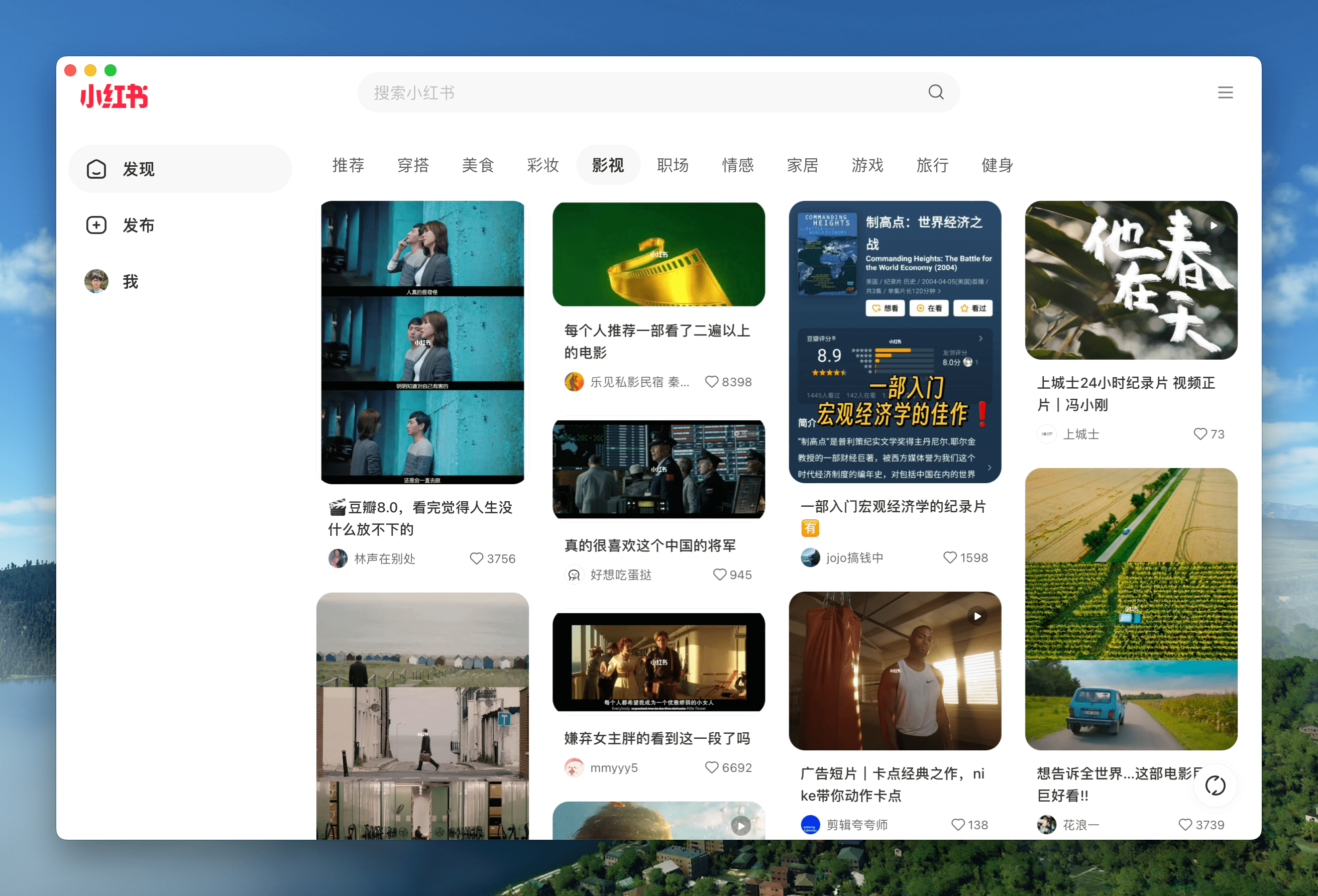 |
🏂 You can download more applications from Releases. Click here to expand the shortcuts reference!
| Mac | Windows/Linux | Function |
|---|---|---|
| ⌘ + [ | Ctrl + ← | Return to the previous page |
| ⌘ + ] | Ctrl + → | Go to the next page |
| ⌘ + ↑ | Ctrl + ↑ | Auto scroll to top of page |
| ⌘ + ↓ | Ctrl + ↓ | Auto scroll to bottom of page |
| ⌘ + r | Ctrl + r | Refresh Page |
| ⌘ + w | Ctrl + w | Hide window, not quite |
| ⌘ + - | Ctrl + - | Zoom out the page |
| ⌘ + + | Ctrl + + | Zoom in the page |
| ⌘ + = | Ctrl + = | Zoom in the Page |
| ⌘ + 0 | Ctrl + 0 | Reset the page zoom |
In addition, double-click the title bar to switch to full-screen mode. For Mac users, you can also use the gesture to go to the previous or next page and drag the title bar to move the window.
Before starting
- For beginners: Play with Popular Packages to find out Pake's capabilities, or try to pack your application with GitHub Actions. Don't hesitate to reach for assistance at Discussion!
- For developers: “Command-Line Packaging” supports macOS fully. For Windows/Linux users, it requires some tinkering. Configure your environment before getting started.
- For hackers: For people who are good at both front-end development and Rust, how about customizing your apps' function more with the following Customized Development?
Command-Line Packaging
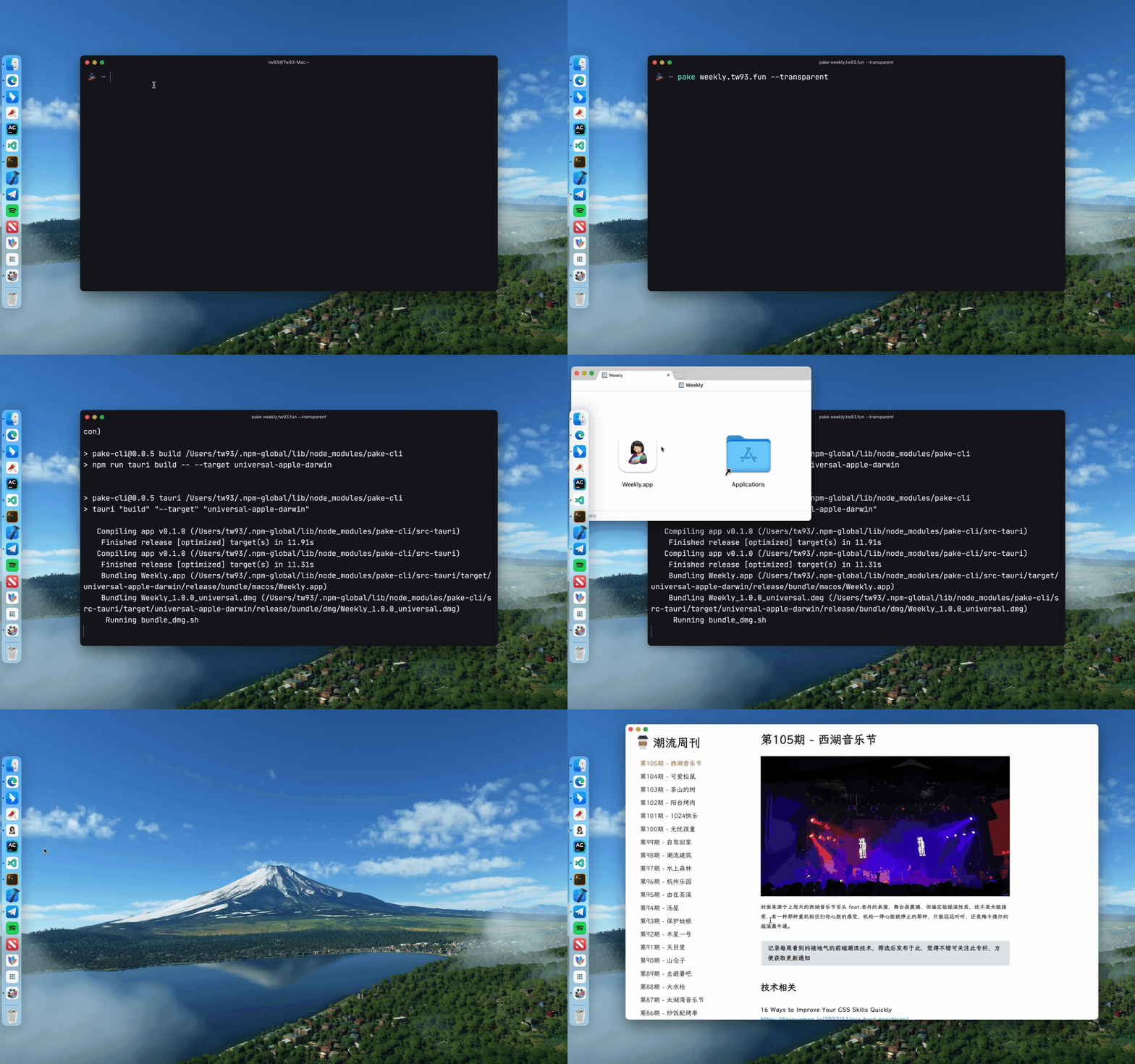
Pake provides a command line tool, making the flow of package customization quicker and easier. See documentation for more information.
# Install with npm
npm install -g pake-cli

# Command usage
pake url [OPTIONS]...

# Feel free to play with Pake! It might take a while to prepare the environment the first time you launch Pake.
pake https://weekly.tw93.fun --name Weekly --hide-title-bar
If you are new to the command line, you can compile packages online with GitHub Actions. See the Tutorial for more information.
Development
Prepare your environment before starting. Make sure you have Rust >=1.89 and Node >=22 (e.g., 22.11.0) installed on your computer. Note: Older versions (Rust ≥1.78, Node ≥16) may also work but latest stable versions are recommended. For installation guidance, see Tauri documentation.
If you are unfamiliar with these, it is better to try out the above tool to pack with one click.
# Install Dependencies
npm i

# Local development [Right-click to open debug mode.]
npm run dev

# Pack application
npm run build
Advanced Usage
- You can refer to the codebase structure before working on Pake, which will help you much in development.
- Modify the
urlandproductNamefields in thepake.jsonfile under the src-tauri directory, the "domain" field in thetauri.config.jsonfile needs to be modified synchronously, as well as theiconandidentifierfields in thetauri.xxx.conf.jsonfile. You can select aniconfrom theiconsdirectory or download one from macOSicons to match your product needs. - For configurations on window properties, you can modify the
pake.jsonfile to change the value ofwidth,height,fullscreen(or not),resizable(or not),hide_on_close(hide window on close instead of exiting) of thewindowsproperty. To adapt to the immersive header on Mac, changehideTitleBartotrue, look for theHeaderelement, and add thepadding-topproperty. - For advanced usages such as style rewriting, advertisement removal, JS injection, container message communication, and user-defined shortcut keys, see Advanced Usage of Pake.
Developers
Pake's development can not be without these Hackers. They contributed a lot of capabilities for Pake. Also, welcome to follow them! ❤️


Frequently Asked Questions
- Right-clicking on an image element in the page to open the menu and select download image or other events does not work (common in MacOS systems). This issue is due to the MacOS built-in webview not supporting this feature.
Support
- I have two cats, TangYuan and Coke. If you think Pake delights your life, you can feed them some canned food 🥩.
- If you like Pake, you can star it on GitHub. Also, welcome to recommend Pake to your friends.
- You can follow my Twitter to get the latest news of Pake or join our Telegram chat group.
- I hope that you enjoy playing with it. Let us know if you find a website that would be great for a Mac App!
Discover Repositories
Search across tracked repositories by name or description