
Dokploy/dokploy
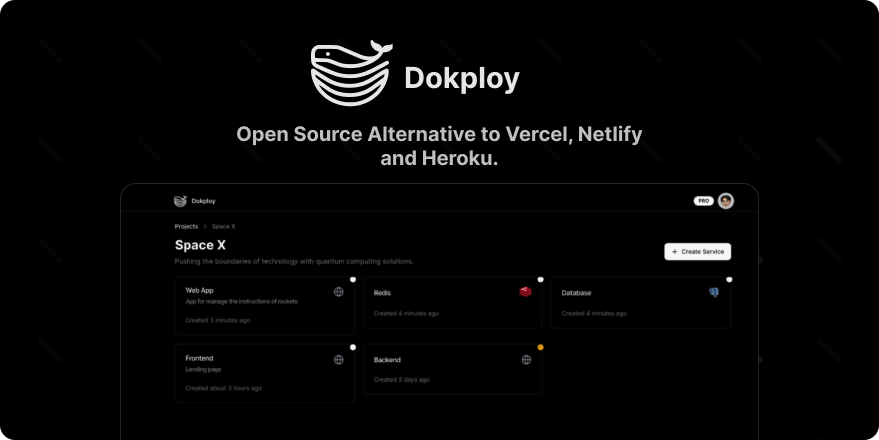
Open Source Alternative to Vercel, Netlify and Heroku.
Build with Backblaze B2
SDKs, agent skills, IDE extensions, and reference pipelines from Backblaze Labs. All open source.
Loading star history...
Use Cases & Benefits
- Provides a self-hostable Platform as a Service (PaaS) to deploy and manage applications and databases.
- Enables full control over deployments with multi-node scaling, Docker Compose support, and real-time resource monitoring.
- Use for deploying and managing multi-language applications on your own VPS with integrated database and backup support.
- Use for automating database backups and managing multiple database types including MySQL, PostgreSQL, MongoDB, and Redis.
- Use for scaling containerized applications across multiple nodes with Docker Swarm and Traefik load balancing integration.
About dokploy
Join us on Discord for help, feedback, and discussions!

Dokploy is a free, self-hostable Platform as a Service (PaaS) that simplifies the deployment and management of applications and databases.
✨ Features
Dokploy includes multiple features to make your life easier.
- Applications: Deploy any type of application (Node.js, PHP, Python, Go, Ruby, etc.).
- Databases: Create and manage databases with support for MySQL, PostgreSQL, MongoDB, MariaDB, and Redis.
- Backups: Automate backups for databases to an external storage destination.
- Docker Compose: Native support for Docker Compose to manage complex applications.
- Multi Node: Scale applications to multiple nodes using Docker Swarm to manage the cluster.
- Templates: Deploy open-source templates (Plausible, Pocketbase, Calcom, etc.) with a single click.
- Traefik Integration: Automatically integrates with Traefik for routing and load balancing.
- Real-time Monitoring: Monitor CPU, memory, storage, and network usage for every resource.
- Docker Management: Easily deploy and manage Docker containers.
- CLI/API: Manage your applications and databases using the command line or through the API.
- Notifications: Get notified when your deployments succeed or fail (via Slack, Discord, Telegram, Email, etc.).
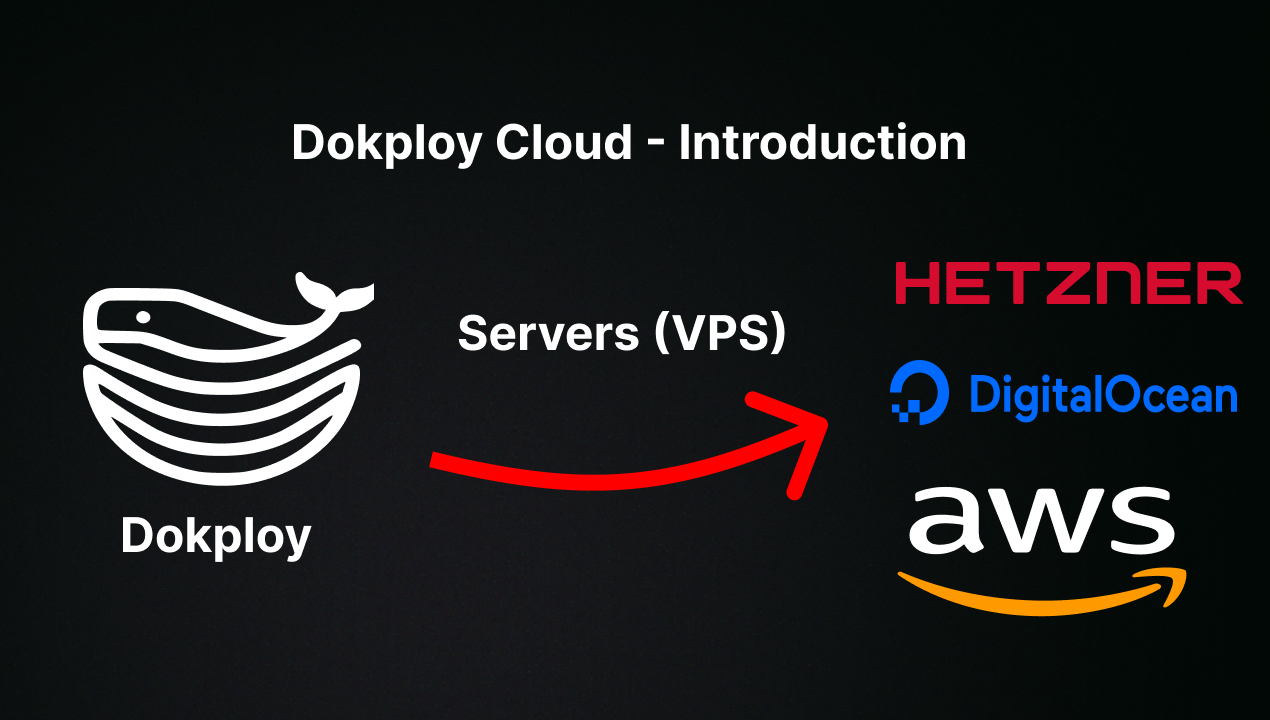
- Multi Server: Deploy and manage your applications remotely to external servers.
- Self-Hosted: Self-host Dokploy on your VPS.
🚀 Getting Started
To get started, run the following command on a VPS:
Want to skip the installation process? Try the Dokploy Cloud.
curl -sSL https://dokploy.com/install.sh | sh
For detailed documentation, visit docs.dokploy.com.
♥️ Sponsors
🙏 We're deeply grateful to all our sponsors who make Dokploy possible! Your support helps cover the costs of hosting, testing, and developing new features.
Hero Sponsors 🎖


Premium Supporters 🥇


Elite Contributors 🥈


Supporting Members 🥉


Community Backers 🤝
Organizations:
Individuals:
Contributors 🤝
📺 Video Tutorial
🤝 Contributing
Check out the Contributing Guide for more information.
Discover Repositories
Search across tracked repositories by name or description