
oldj/SwitchHosts
Switch hosts quickly!
Build with Backblaze B2
SDKs, agent skills, IDE extensions, and reference pipelines from Backblaze Labs. All open source.
Loading star history...
Use Cases & Benefits
- Manages and switches between multiple hosts files quickly using a user-friendly Electron-based app.
- Enables rapid hosts file switching with syntax highlighting and remote hosts support, improving workflow efficiency.
- Use for developers needing to toggle hosts configurations frequently during local development and testing.
- Use for system administrators managing multiple network environments or proxy setups on a single machine.
- Use for users requiring easy backup and restoration of hosts file configurations across different operating systems.
About SwitchHosts
SwitchHosts
Homepage: https://switchhosts.vercel.app
SwitchHosts is an App for managing hosts file, it is based on Electron , React, Jotai , Chakra UI, CodeMirror, etc.
Screenshot
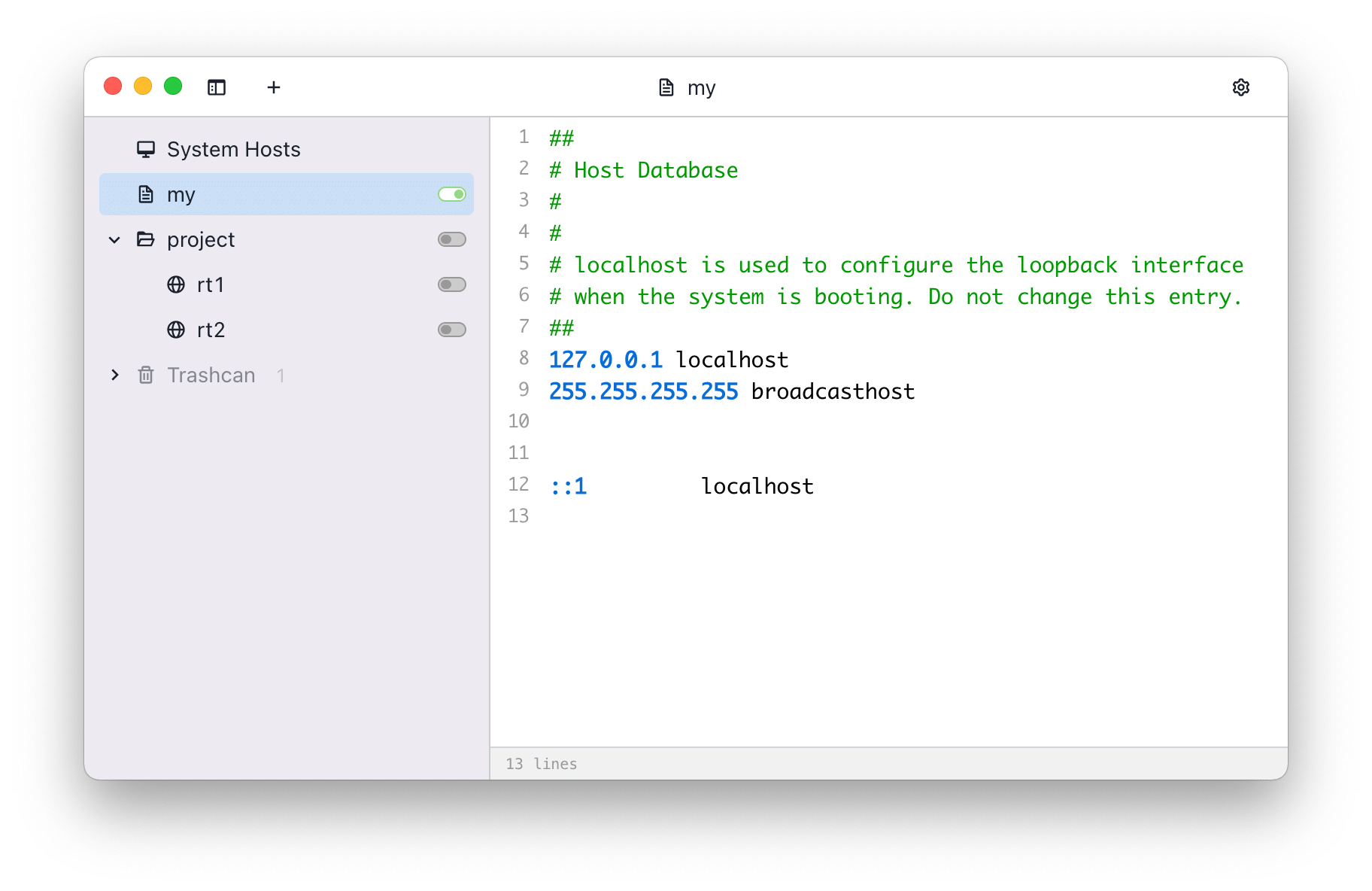
Features
- Switch hosts quickly
- Syntax highlight
- Remote hosts
- Switch from system tray
Install
Download
You can download the source code and build it yourself, or download the built version from following links:
You can also install the built version using the package manager Chocolatey:
choco install switchhosts
Backup
SwitchHosts stores data at ~/.SwitchHosts (Or folder .SwitchHosts under the current user's home
path on Windows), the ~/.SwitchHosts/data folder contains data, while the ~/.SwitchHosts/config
folder contains various configuration information.
Develop and build
Development
- Install Node.js
- Change to the folder
./, runnpm installto install dependented libraries - Run
npm run devto start the development server - Then run
npm run startto start the app for developing or debuging
Build and package
- It is recommended to use electron-builder for packaging
- Go to the
./folder - Run
npm run build - Run
npm run make, if everything goes well, the packaged files will be in the./distfolder. - This command may take several minutes to finish when you run it the first time, as it needs time
to download dependent files. You can download the dependencies
manually here,
or Taobao mirror, then save the files to
~/.electron. You can check the Electron Docs for more infomation.
# build
npm run build

# make
npm run make # the packed files will be in ./dist
Copyright
SwitchHosts is a free and open source software, it is released under the Apache License.
Discover Repositories
Search across tracked repositories by name or description