
louislam/uptime-kuma
A fancy self-hosted monitoring tool
Build with Backblaze B2
SDKs, agent skills, IDE extensions, and reference pipelines from Backblaze Labs. All open source.
Loading star history...
Use Cases & Benefits
- Provides a self-hosted monitoring tool for tracking uptime and status of various services with a reactive web interface.
- Offers extensive protocol support and over 90 notification integrations with a fast, user-friendly single-page app UI.
- Use for monitoring website and server uptime with HTTP(s), TCP, and ping checks at 20-second intervals.
- Use for managing status pages and notifications for internal IT infrastructure or client-facing services.
- Use for monitoring Docker containers and game servers with real-time updates via WebSocket and multi-language support.
About uptime-kuma
Uptime Kuma
Uptime Kuma is an easy-to-use self-hosted monitoring tool.







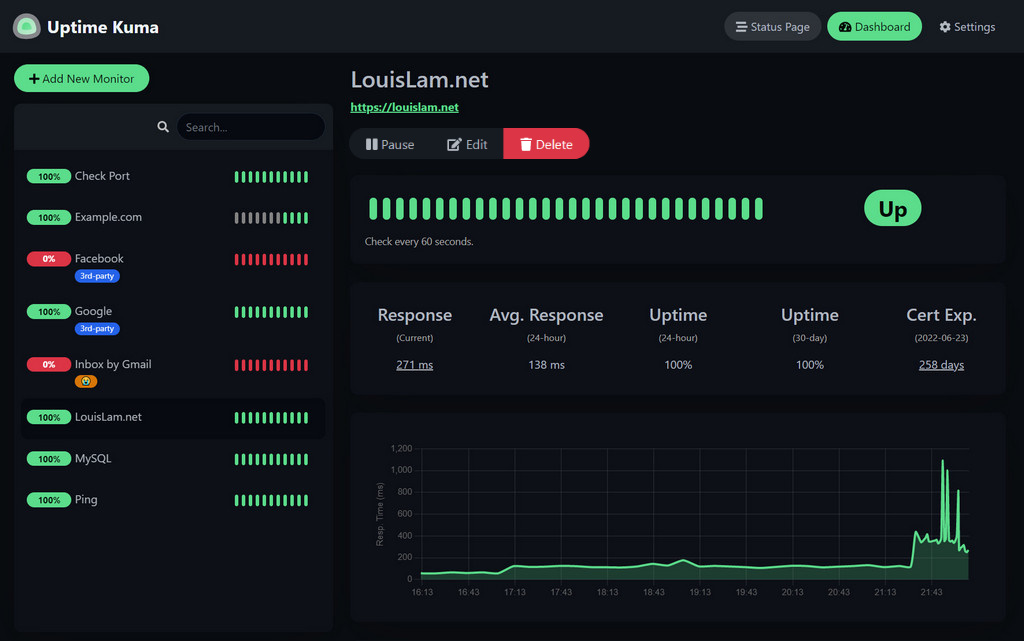
🥔 Live Demo
Try it!
Demo Server (Location: Frankfurt - Germany): https://demo.kuma.pet/start-demo
It is a temporary live demo, all data will be deleted after 10 minutes. Sponsored by Uptime Kuma Sponsors.
⭐ Features
- Monitoring uptime for HTTP(s) / TCP / HTTP(s) Keyword / HTTP(s) Json Query / Ping / DNS Record / Push / Steam Game Server / Docker Containers
- Fancy, Reactive, Fast UI/UX
- Notifications via Telegram, Discord, Gotify, Slack, Pushover, Email (SMTP), and 90+ notification services, click here for the full list
- 20-second intervals
- Multi Languages
- Multiple status pages
- Map status pages to specific domains
- Ping chart
- Certificate info
- Proxy support
- 2FA support
🔧 How to Install
🐳 Docker
docker run -d --restart=always -p 3001:3001 -v uptime-kuma:/app/data --name uptime-kuma louislam/uptime-kuma:1
Uptime Kuma is now running on http://0.0.0.0:3001.
[!WARNING] File Systems like NFS (Network File System) are NOT supported. Please map to a local directory or volume.
[!NOTE] If you want to limit exposure to localhost (without exposing port for other users or to use a reverse proxy), you can expose the port like this:
docker run -d --restart=always -p 127.0.0.1:3001:3001 -v uptime-kuma:/app/data --name uptime-kuma louislam/uptime-kuma:1
💪🏻 Non-Docker
Requirements:
- Platform
- ✅ Major Linux distros such as Debian, Ubuntu, CentOS, Fedora and ArchLinux etc.
- ✅ Windows 10 (x64), Windows Server 2012 R2 (x64) or higher
- ❌ FreeBSD / OpenBSD / NetBSD
- ❌ Replit / Heroku
- Node.js 18 / 20.4
- npm 9
- Git
- pm2 - For running Uptime Kuma in the background
git clone https://github.com/louislam/uptime-kuma.git
cd uptime-kuma
npm run setup

# Option 1. Try it
node server/server.js

# (Recommended) Option 2. Run in the background using PM2
# Install PM2 if you don't have it:
npm install pm2 -g && pm2 install pm2-logrotate

# Start Server
pm2 start server/server.js --name uptime-kuma
Uptime Kuma is now running on http://localhost:3001
More useful PM2 Commands
# If you want to see the current console output
pm2 monit

# If you want to add it to startup
pm2 save && pm2 startup
Advanced Installation
If you need more options or need to browse via a reverse proxy, please read:
https://github.com/louislam/uptime-kuma/wiki/%F0%9F%94%A7-How-to-Install
🆙 How to Update
Please read:
https://github.com/louislam/uptime-kuma/wiki/%F0%9F%86%99-How-to-Update
🆕 What's Next?
I will assign requests/issues to the next milestone.
https://github.com/louislam/uptime-kuma/milestones
❤️ Sponsors
Thank you so much! (GitHub Sponsors will be updated manually. OpenCollective sponsors will be updated automatically, the list will be cached by GitHub though. It may need some time to be updated)
🖼 More Screenshots
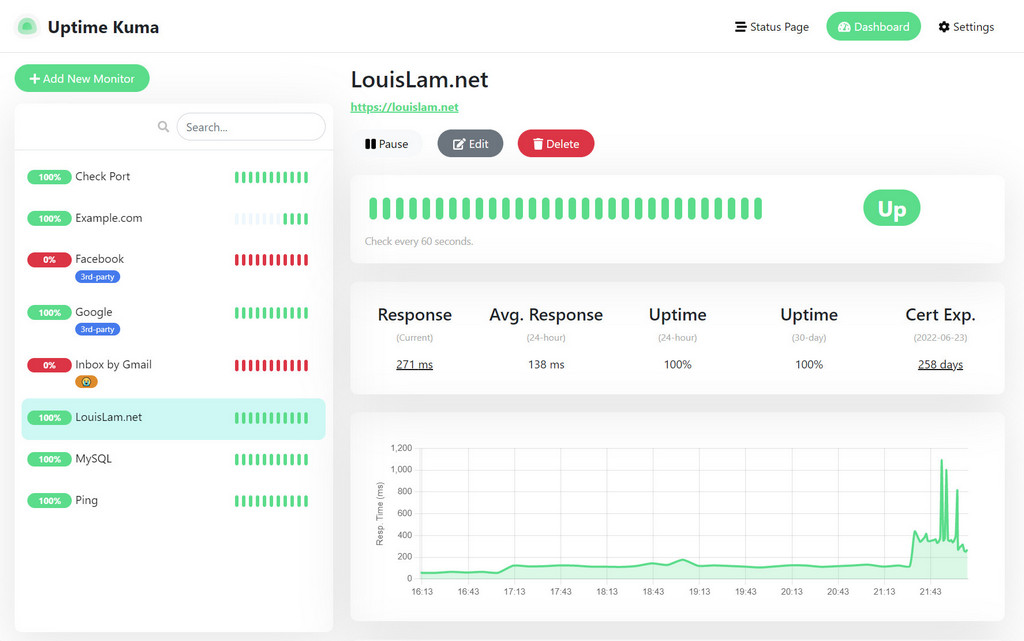
Light Mode:
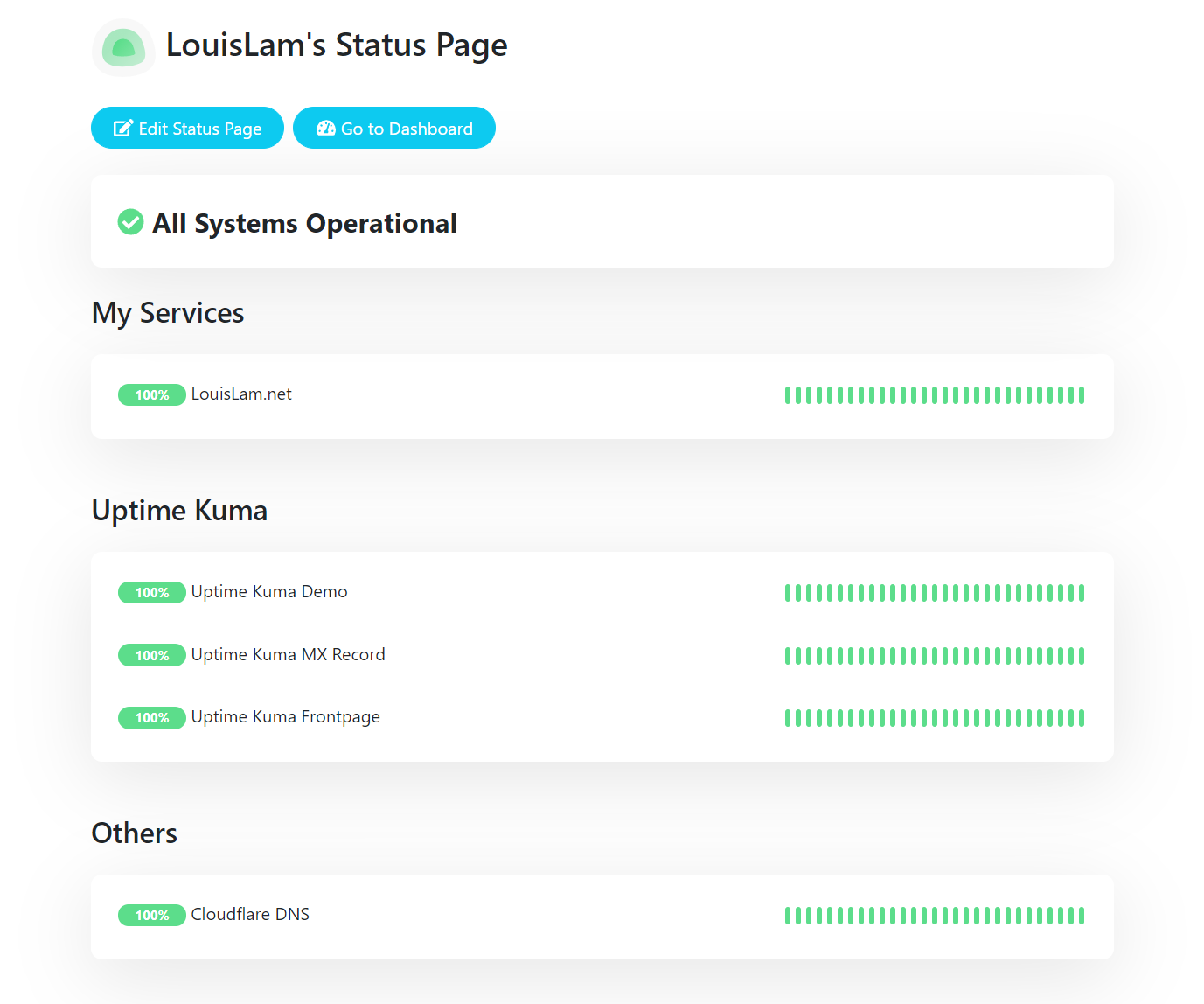
Status Page:
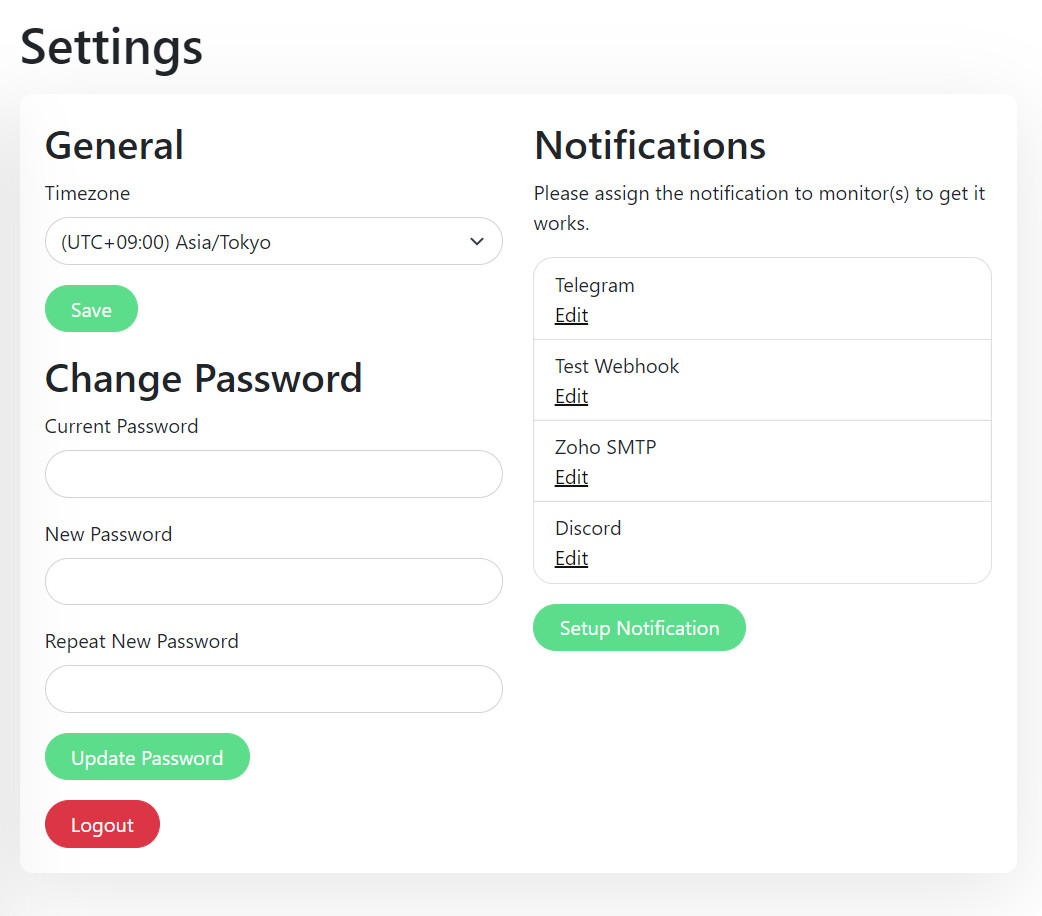
Settings Page:
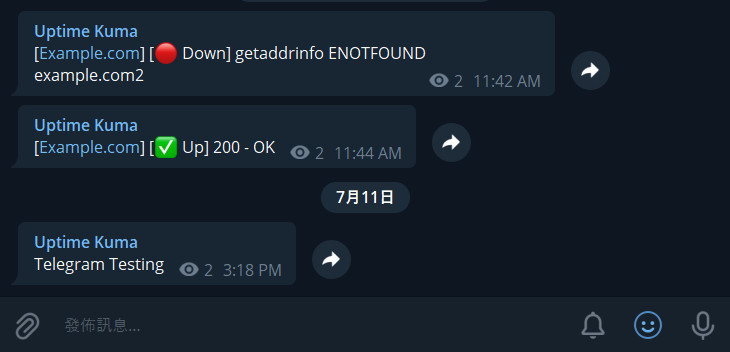
Telegram Notification Sample:
Motivation
- I was looking for a self-hosted monitoring tool like "Uptime Robot", but it is hard to find a suitable one. One of the closest ones is statping. Unfortunately, it is not stable and no longer maintained.
- Wanted to build a fancy UI.
- Learn Vue 3 and vite.js.
- Show the power of Bootstrap 5.
- Try to use WebSocket with SPA instead of a REST API.
- Deploy my first Docker image to Docker Hub.
If you love this project, please consider giving it a ⭐.
🗣️ Discussion / Ask for Help
⚠️ For any general or technical questions, please don't send me an email, as I am unable to provide support in that manner. I will not respond if you ask questions there.
I recommend using Google, GitHub Issues, or Uptime Kuma's subreddit for finding answers to your question. If you cannot find the information you need, feel free to ask:
My Reddit account: u/louislamlam You can mention me if you ask a question on the subreddit.
Contributions
Create Pull Requests
We DO NOT accept all types of pull requests and do not want to waste your time. Please be sure that you have read and follow pull request rules: CONTRIBUTING.md#can-i-create-a-pull-request-for-uptime-kuma
Test Pull Requests
There are a lot of pull requests right now, but I don't have time to test them all.
If you want to help, you can check this: https://github.com/louislam/uptime-kuma/wiki/Test-Pull-Requests
Test Beta Version
Check out the latest beta release here: https://github.com/louislam/uptime-kuma/releases
Bug Reports / Feature Requests
If you want to report a bug or request a new feature, feel free to open a new issue.
Translations
If you want to translate Uptime Kuma into your language, please visit Weblate Readme.
Spelling & Grammar
Feel free to correct the grammar in the documentation or code. My mother language is not English and my grammar is not that great.
Discover Repositories
Search across tracked repositories by name or description