
chidiwilliams/buzz
Buzz transcribes and translates audio offline on your personal computer. Powered by OpenAI's Whisper.

Loading star history...
Health Score
75
Weekly Growth
+872
+5.0% this week
Contributors
1
Total contributors
Open Issues
16
Generated Insights
About buzz
[简体中文] <- 点击查看中文页面。
Buzz
Transcribe and translate audio offline on your personal computer. Powered by OpenAI's Whisper.





Installation
macOS
Download the .dmg from the SourceForge.
Windows
Get the installation files from the SourceForge.
App is not signed, you will get a warning when you install it. Select More info -> Run anyway.
Alternatively, install with winget
winget install ChidiWilliams.Buzz
Linux
Buzz is available as a Flatpak or a Snap.
To install flatpak, run:
flatpak install flathub io.github.chidiwilliams.Buzz
To install snap, run:
sudo apt-get install libportaudio2 libcanberra-gtk-module libcanberra-gtk3-module
sudo snap install buzz
sudo snap connect buzz:password-manager-service
PyPI
Install ffmpeg
Ensure you use Python 3.12 environment.
Install Buzz
pip install buzz-captions
python -m buzz
GPU support for PyPI
To have GPU support for Nvidia GPUS on Windows, for PyPI installed version ensure, CUDA support for torch
pip3 install -U torch==2.8.0+cu129 torchaudio==2.8.0+cu129 --index-url https://download.pytorch.org/whl/cu129
pip3 install nvidia-cublas-cu12==12.9.1.4 nvidia-cuda-cupti-cu12==12.9.79 nvidia-cuda-runtime-cu12==12.9.79 --extra-index-url https://pypi.ngc.nvidia.com
Latest development version
For info on how to get latest development version with latest features and bug fixes see FAQ.
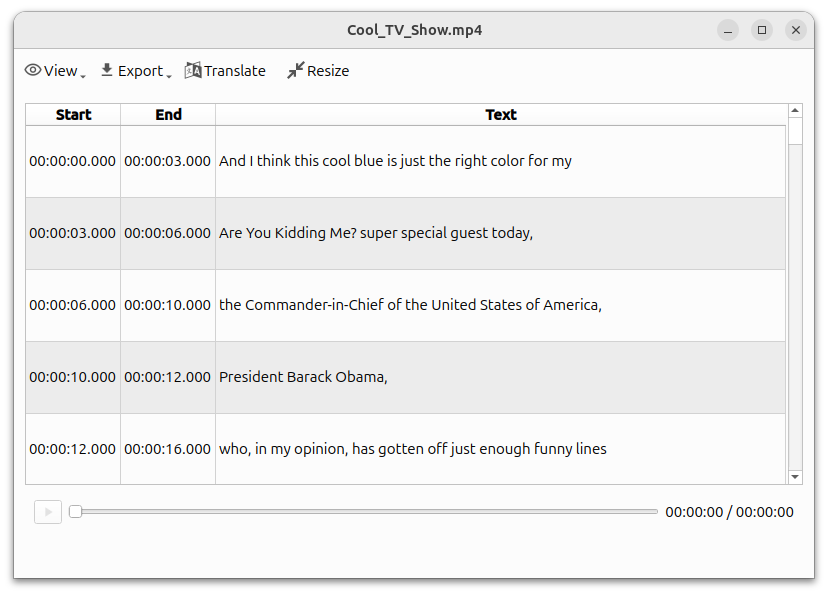
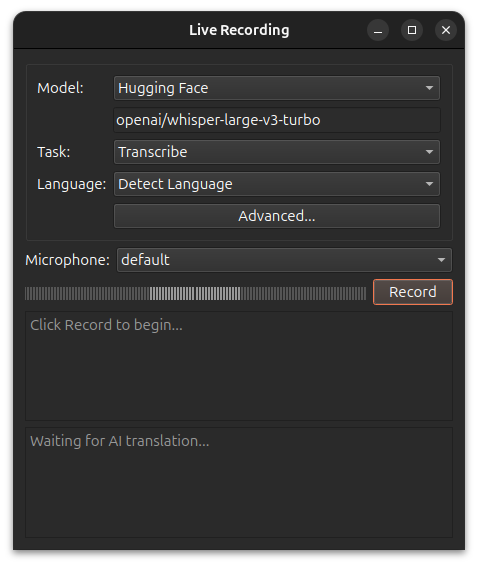
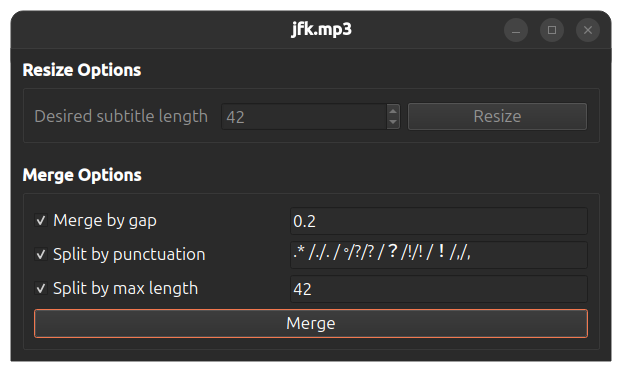
Screenshots
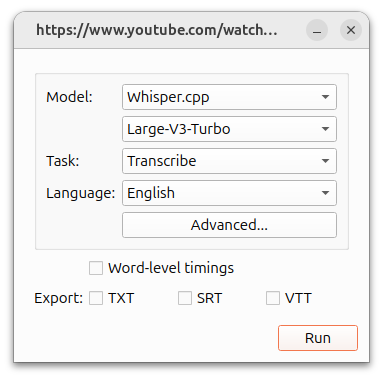
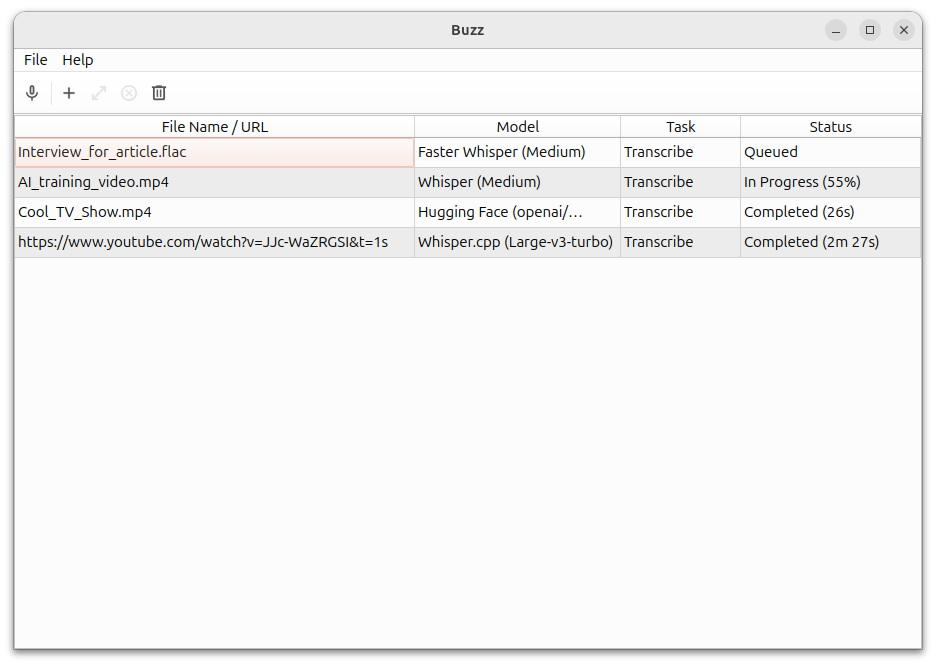
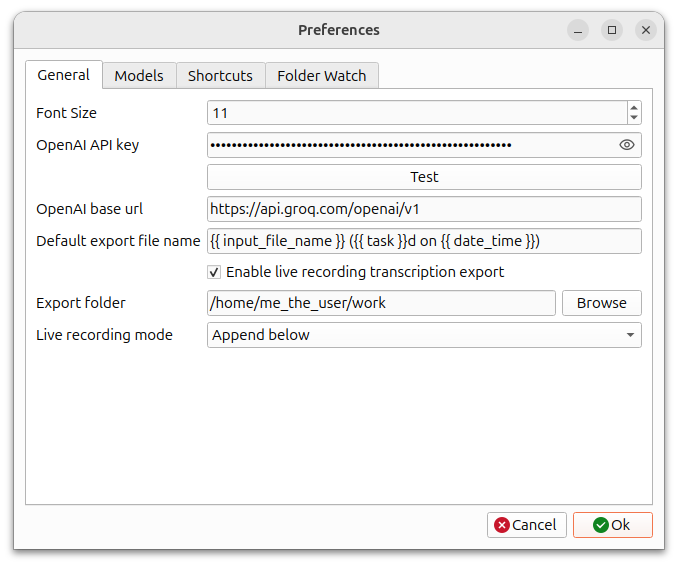
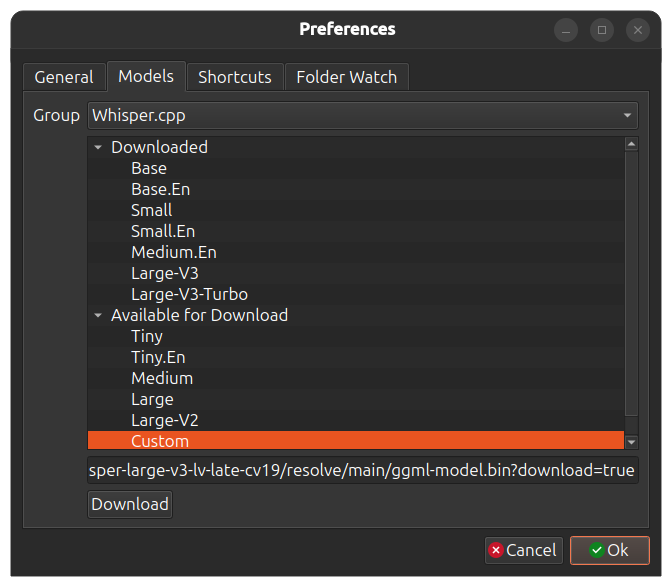
Discover Repositories
Search across tracked repositories by name or description