
cathrynlavery/diagram-design
Editorial diagram design for Claude Code, Codex, and Pi. Self-contained HTML + SVG. No shadows. No Mermaid slop.
Build with Backblaze B2
SDKs, agent skills, IDE extensions, and reference pipelines from Backblaze Labs. All open source.
Loading star history...
Use Cases & Benefits
- Provides 27 editorial-quality, self-contained HTML+SVG diagram templates that adapt to your brand's colors and fonts automatically.
- Delivers high-quality, brand-consistent diagrams without requiring design tools like Figma or manual color/font adjustments.
- Use for creating architecture and flow diagrams that visually match your website's branding for technical documentation.
- Use for generating editorial diagrams such as pyramids, timelines, and quadrant matrices for business presentations.
- Use for exporting diagrams as standalone SVG or PNG files suitable for slides, social media, or design tools like Figma.
About diagram-design
Diagram Design
Editorial diagrams your designer won't hate.
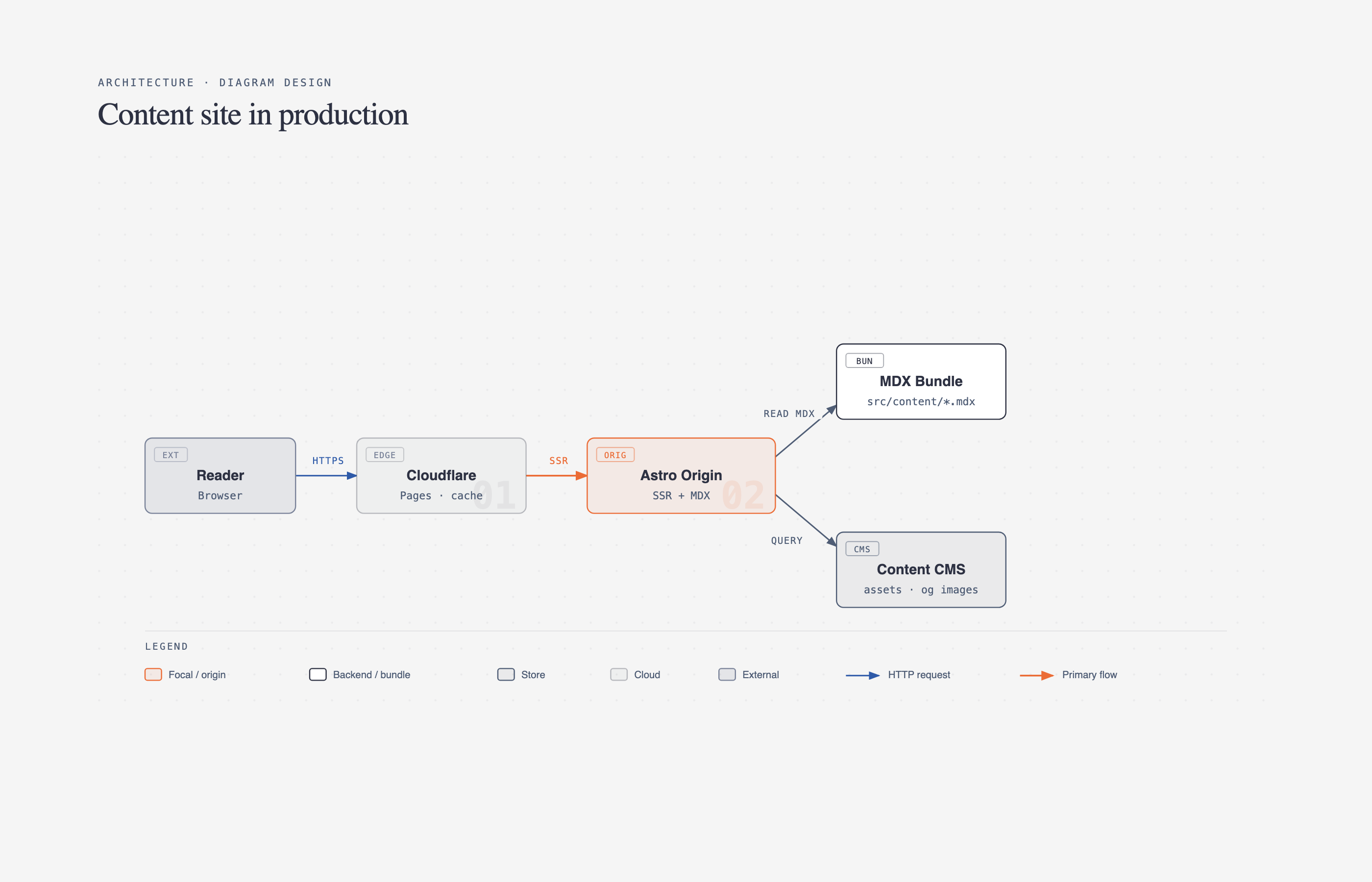
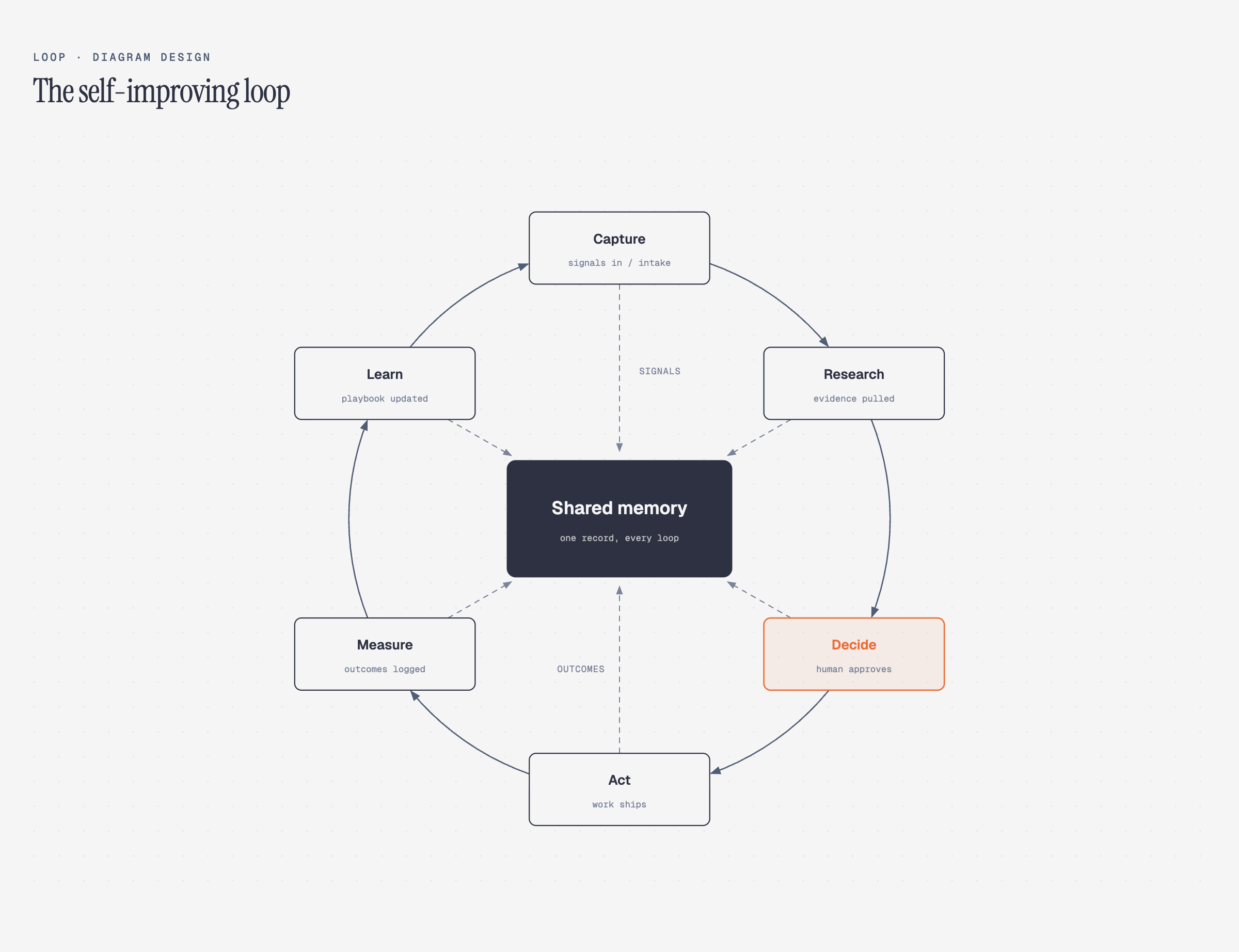
New in 2.0 — the Loop: flywheels with a shared-memory hub. The dashed lines are the write-backs.
27 types. One Claude Code skill. Your brand in 60 seconds — the skill reads your website and maps colors + fonts to every diagram.
No Figma. No generic rounded boxes. No 30-minute color-picking sessions.
Why I built it
I write at littlemight.com (and run BestSelf.co on the side). Every time I needed a diagram — an architecture sketch, a flowchart, a pyramid of what matters most — I'd ask Claude and get back a generic rounded-box thing that looked nothing like the rest of the site. I'd either fight with Figma for 30 minutes or just skip the diagram.
So I built a Claude Code skill for it. Twenty-seven types, editorial quality, matches your brand in 60 seconds by reading your website.
The highest-quality move is usually deletion. Every node earns its place. The accent color is reserved for the 1–2 things the reader should look at first. Target density: 4/10.
What it makes
All 27 diagrams ship in three variants: minimal light, minimal dark, and full-editorial. Open any of them directly in a browser — no build step, no JS, no external images.
Architecture Components + connections | 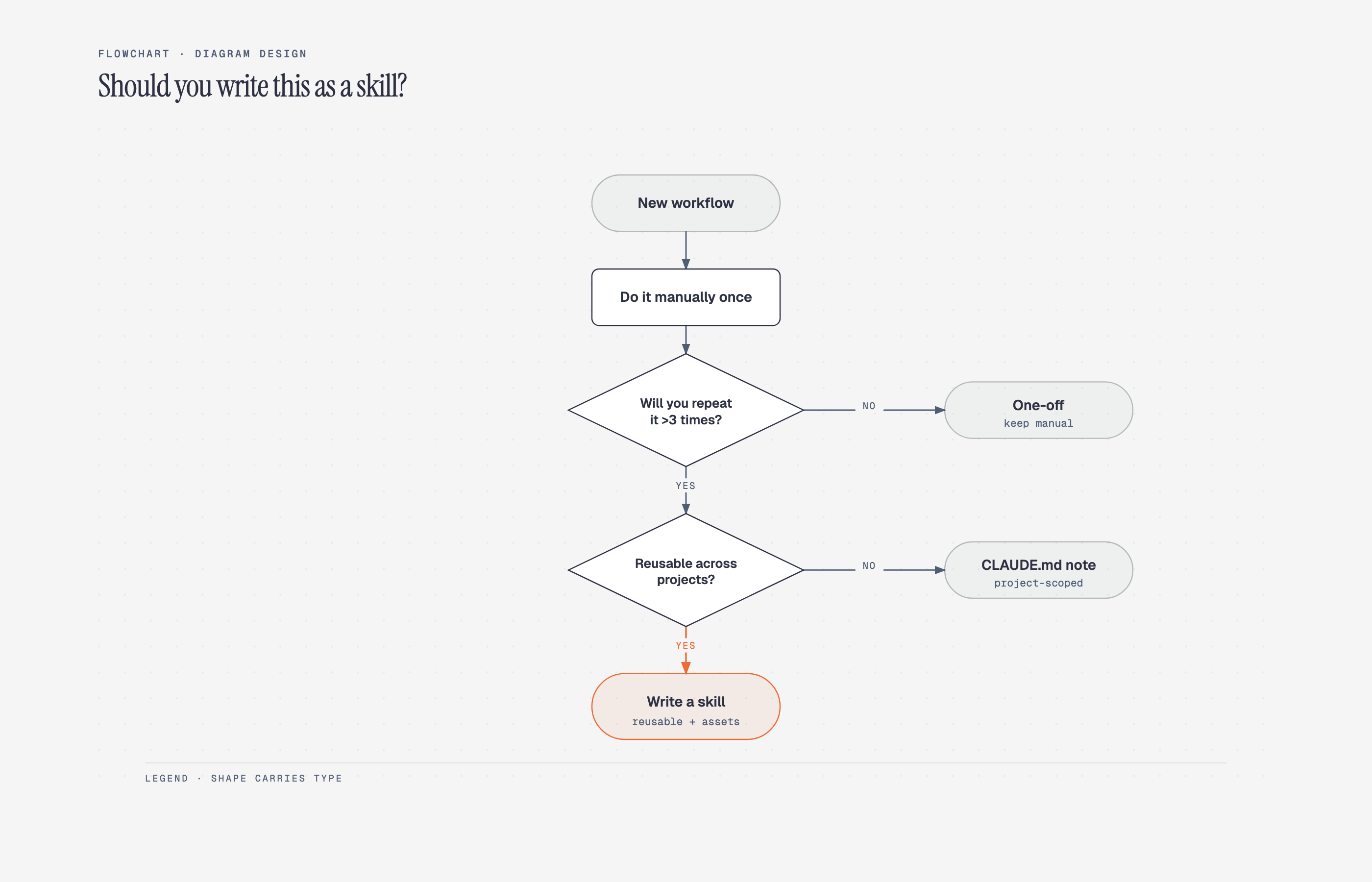 Flowchart Decision logic | 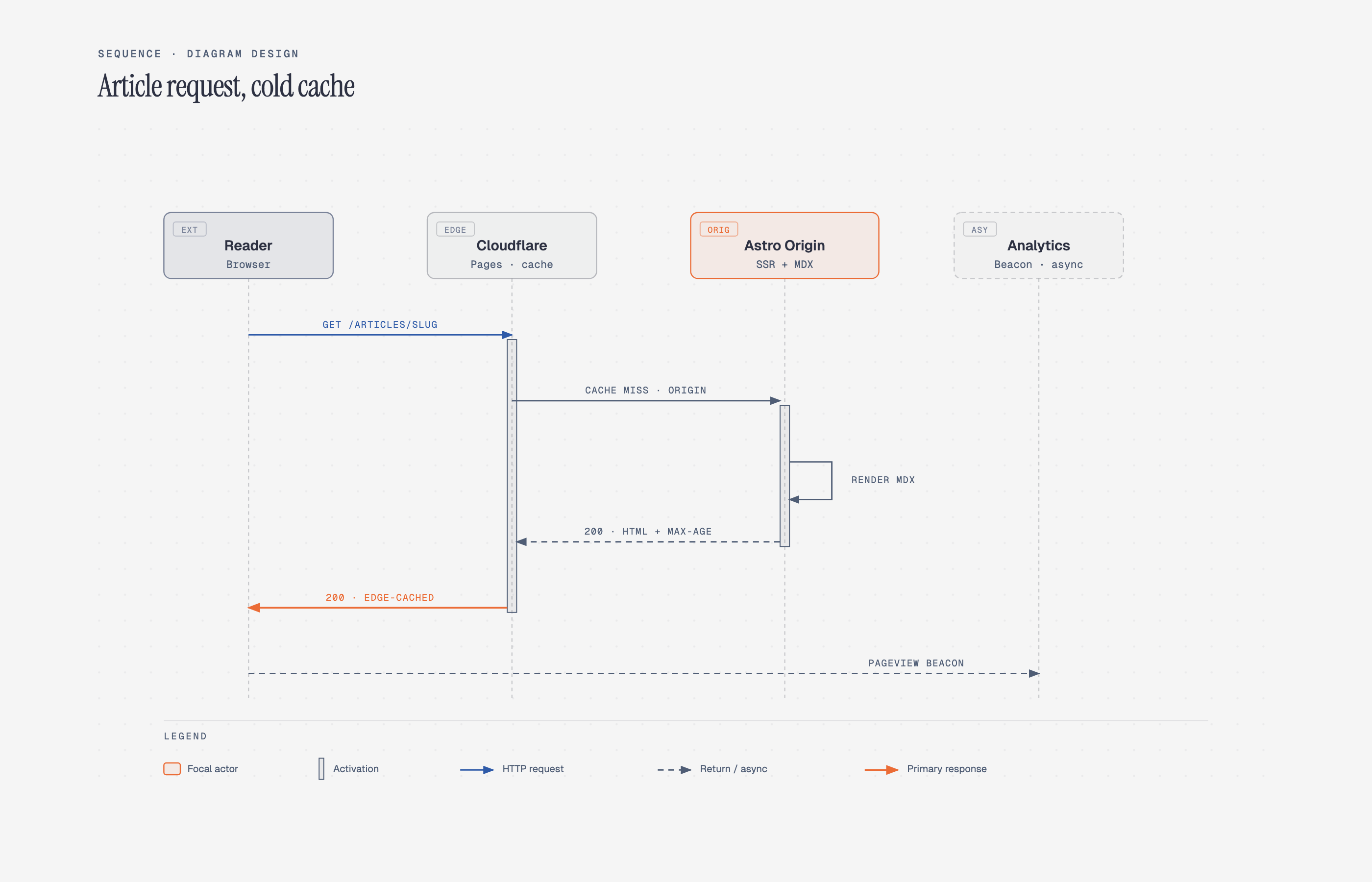 Sequence Messages over time |
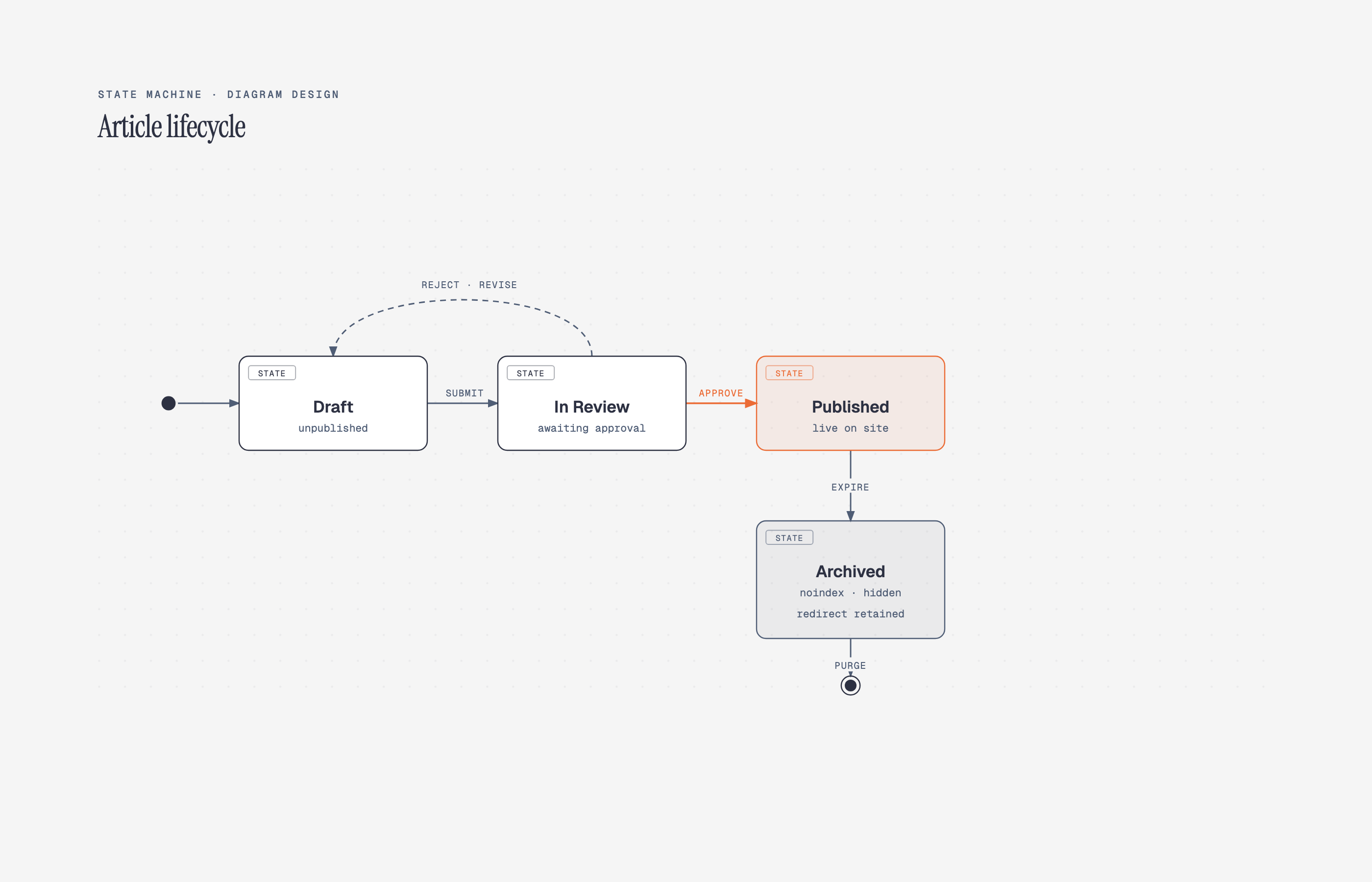 State machine States + transitions | 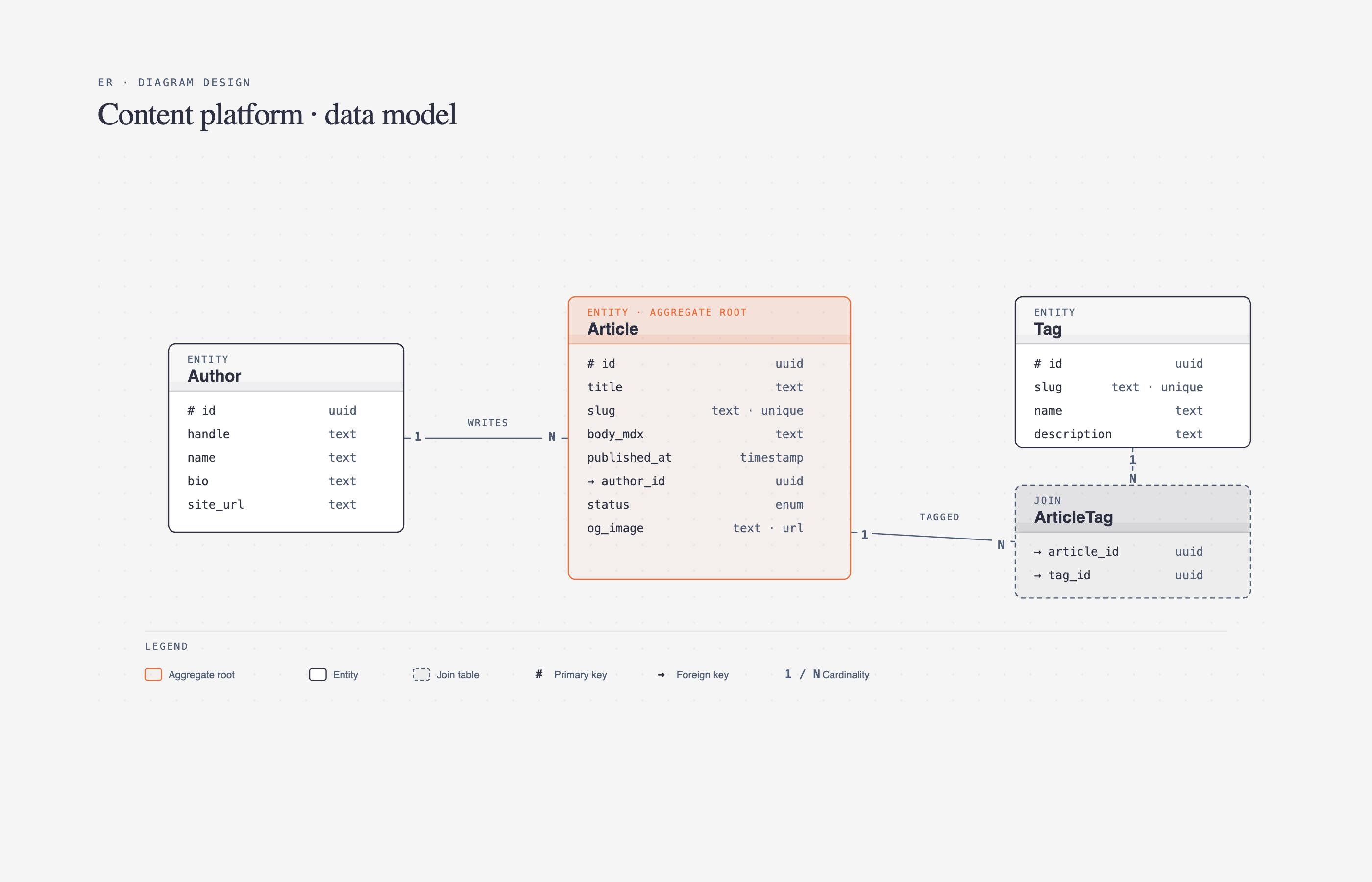 ER / data model Entities + fields | 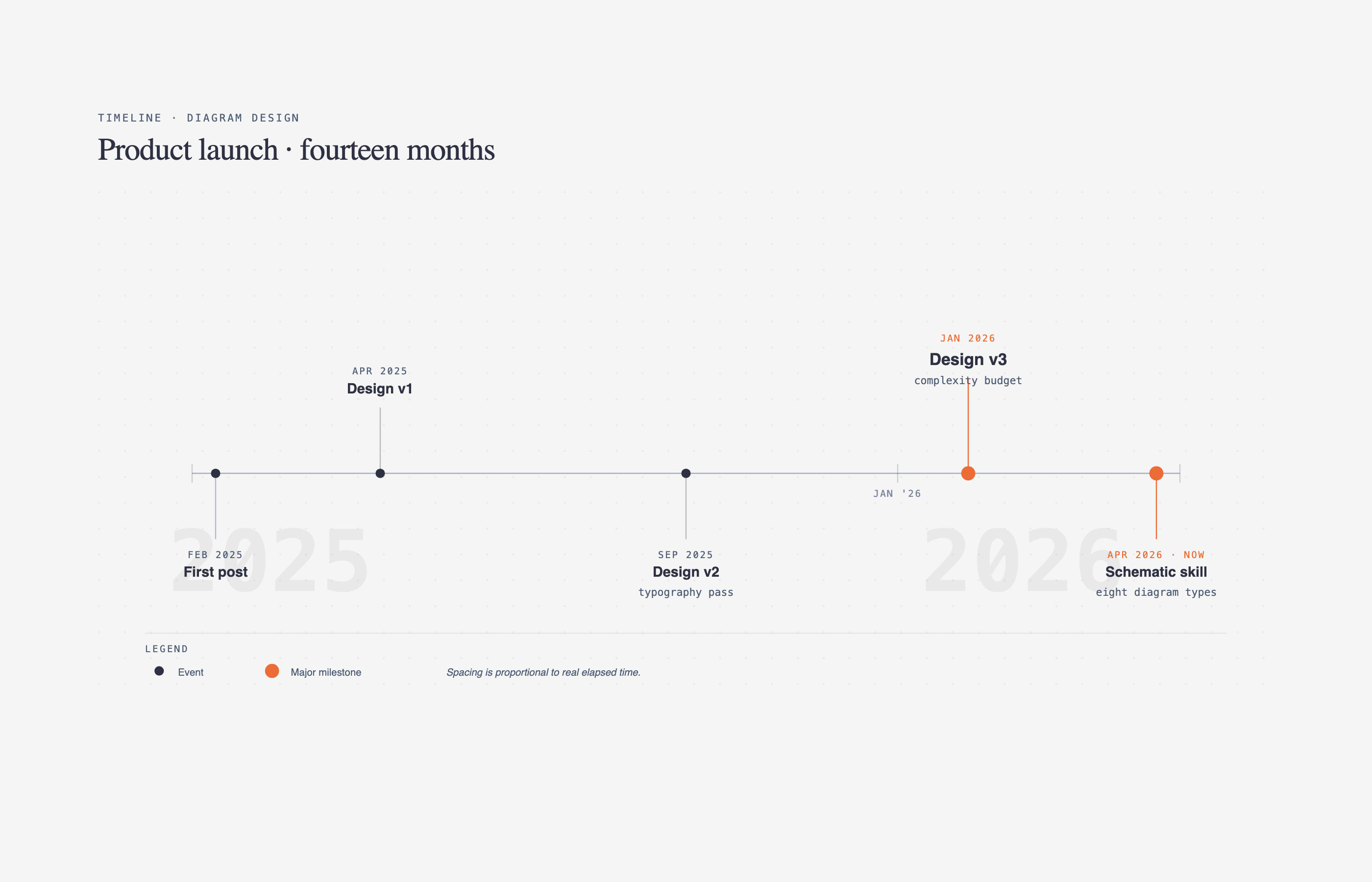 Timeline Events on an axis |
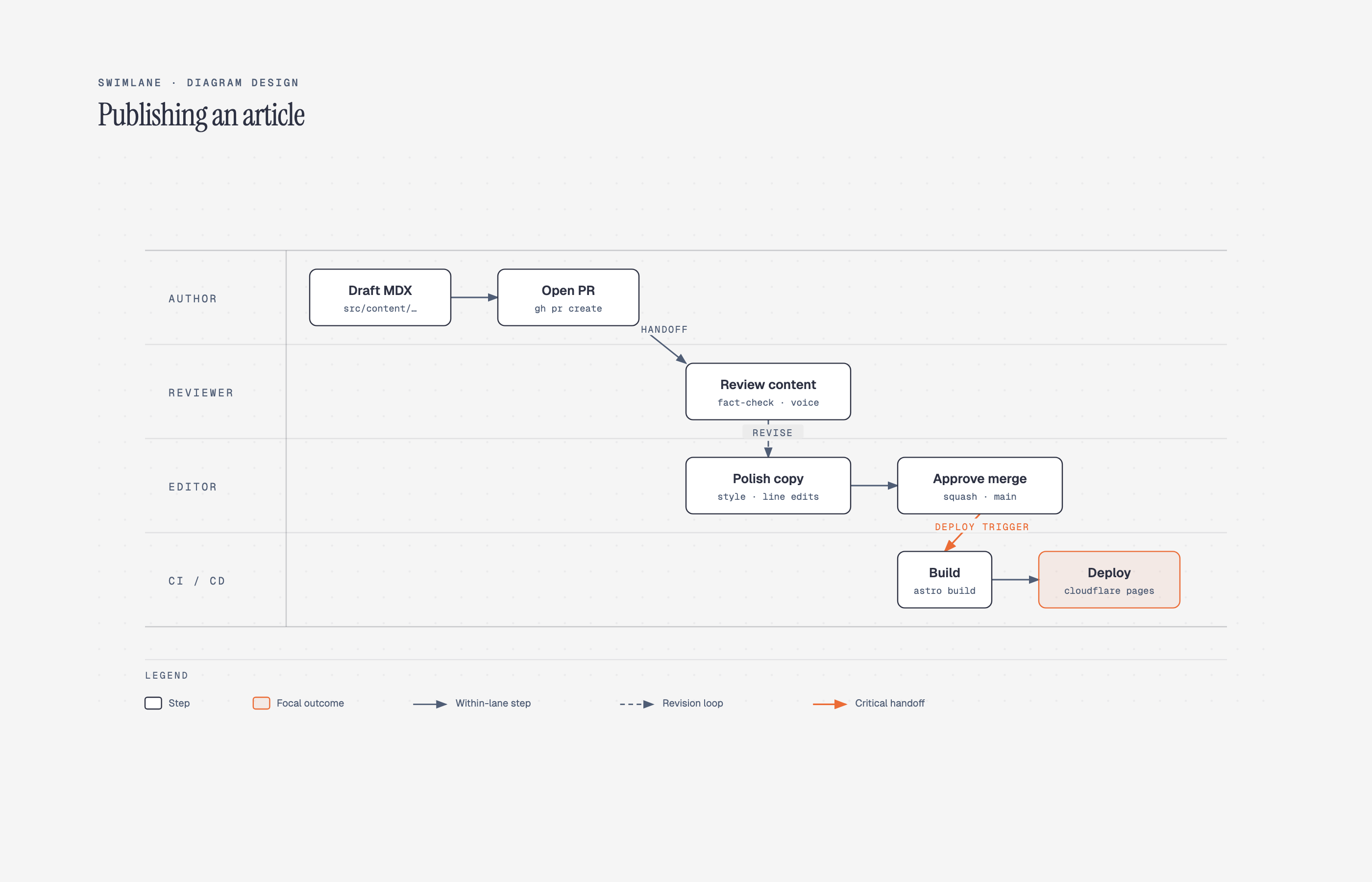 Swimlane Cross-functional flow | 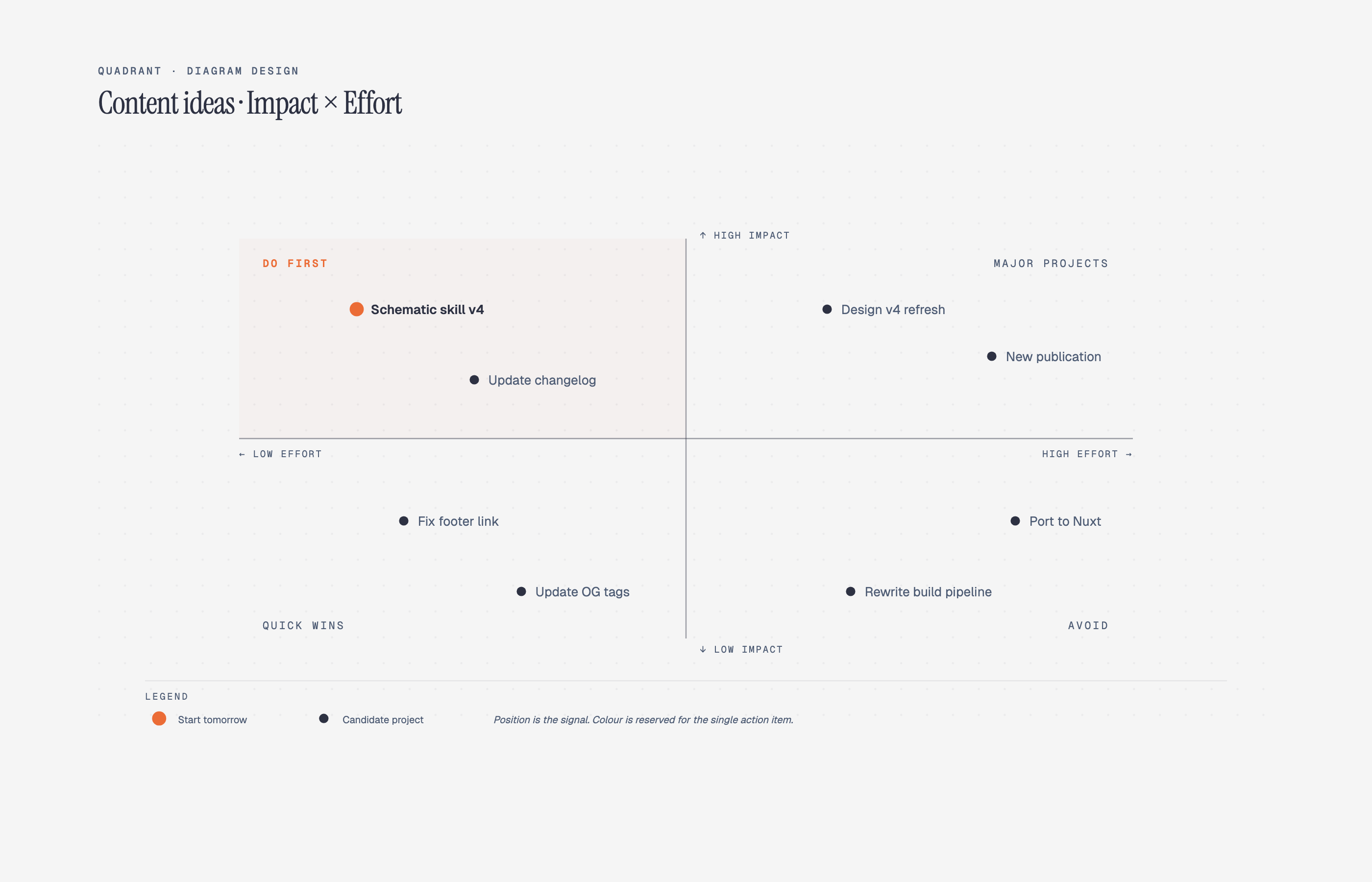 Quadrant Two-axis positioning | 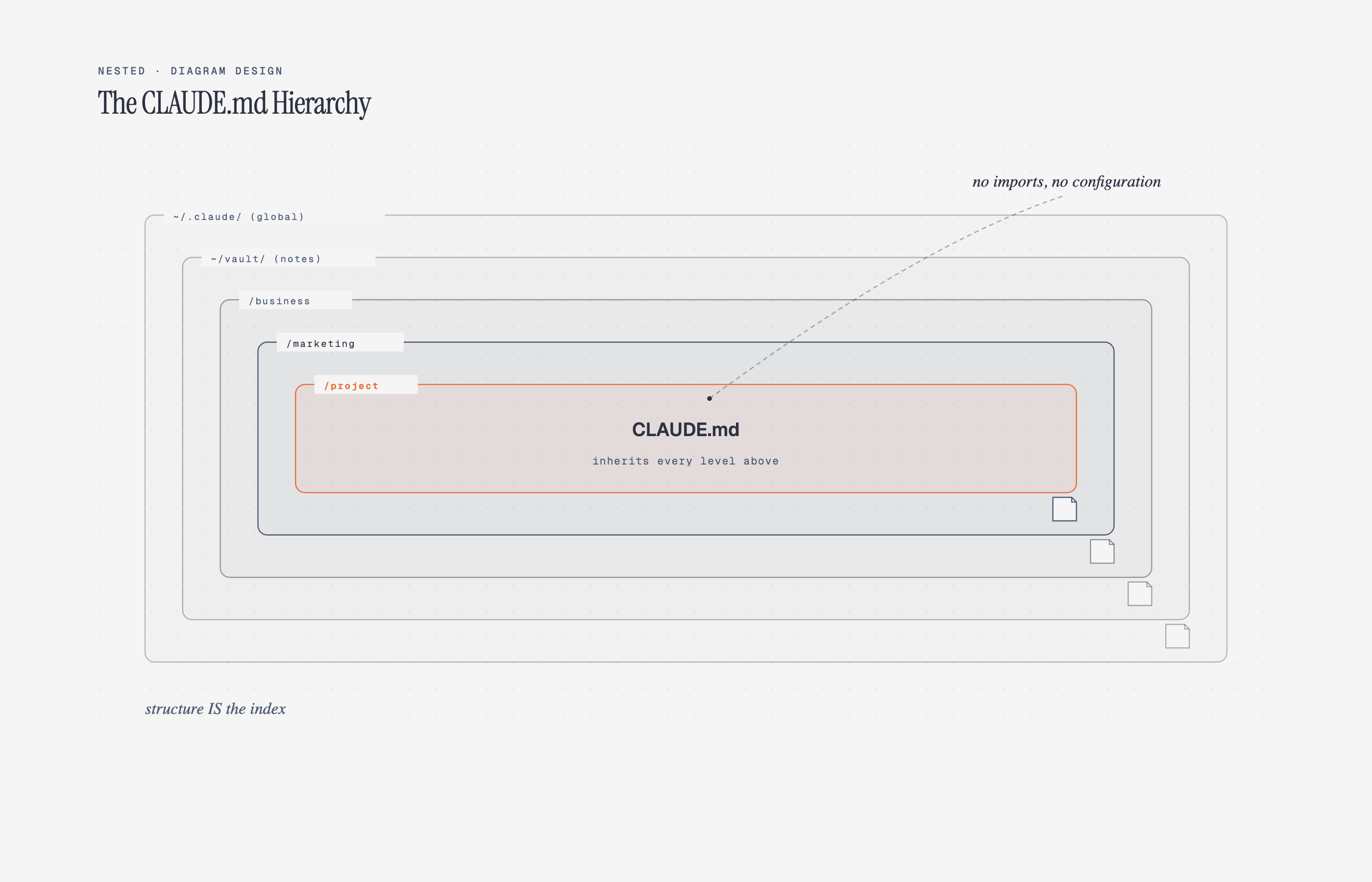 Nested Hierarchy by containment |
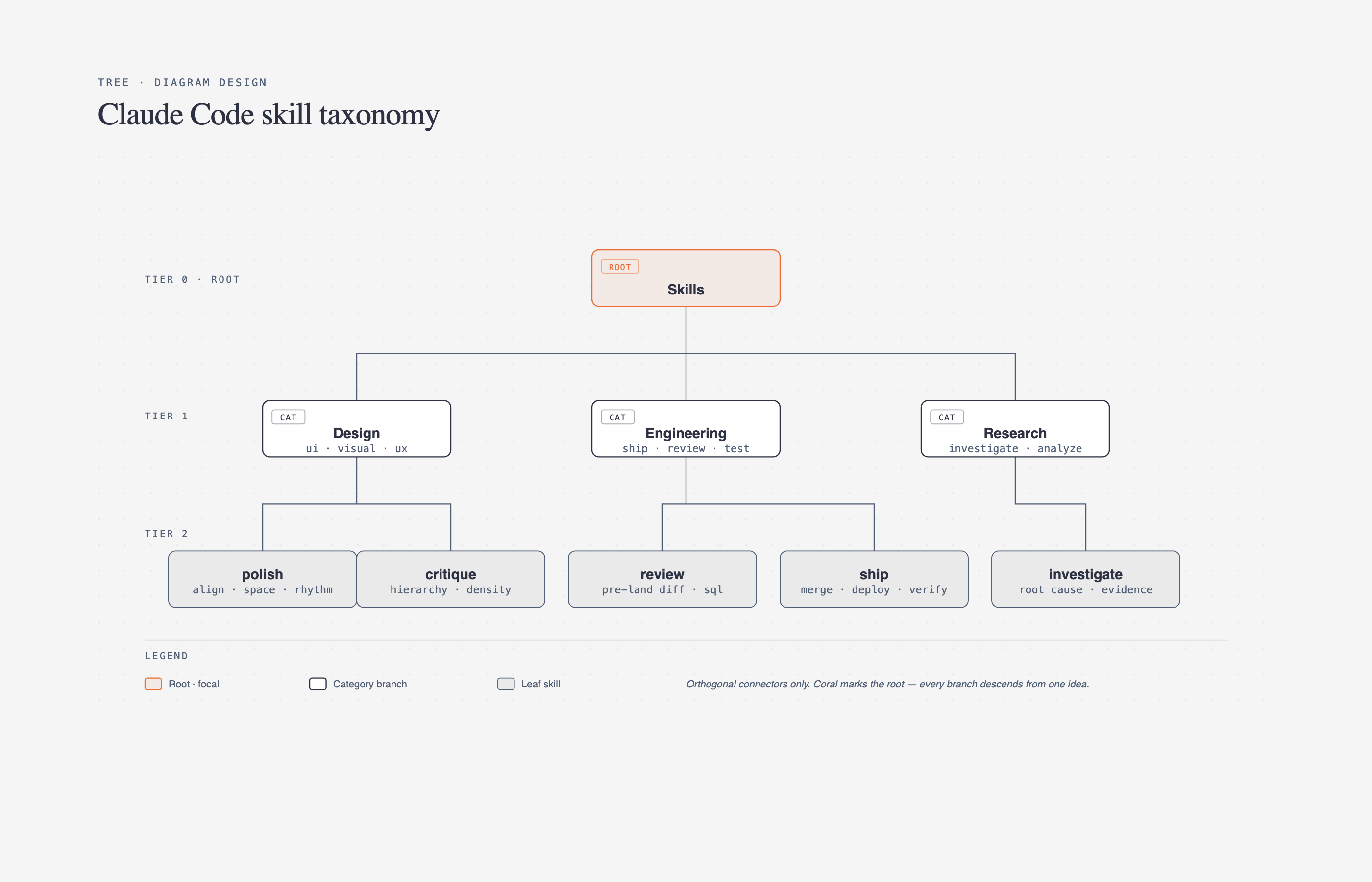 Tree Parent → children | 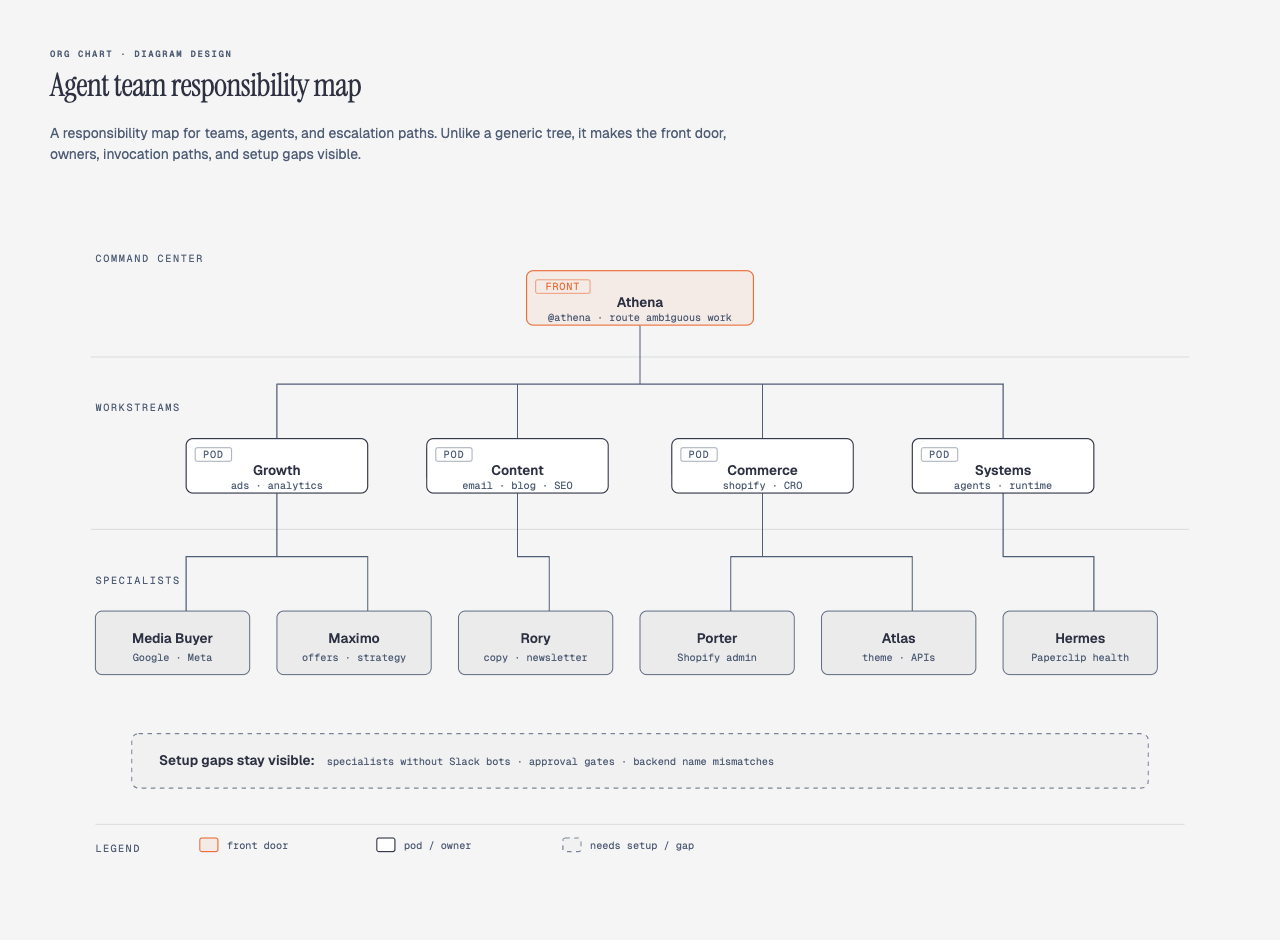 Org chart Ownership + routing | 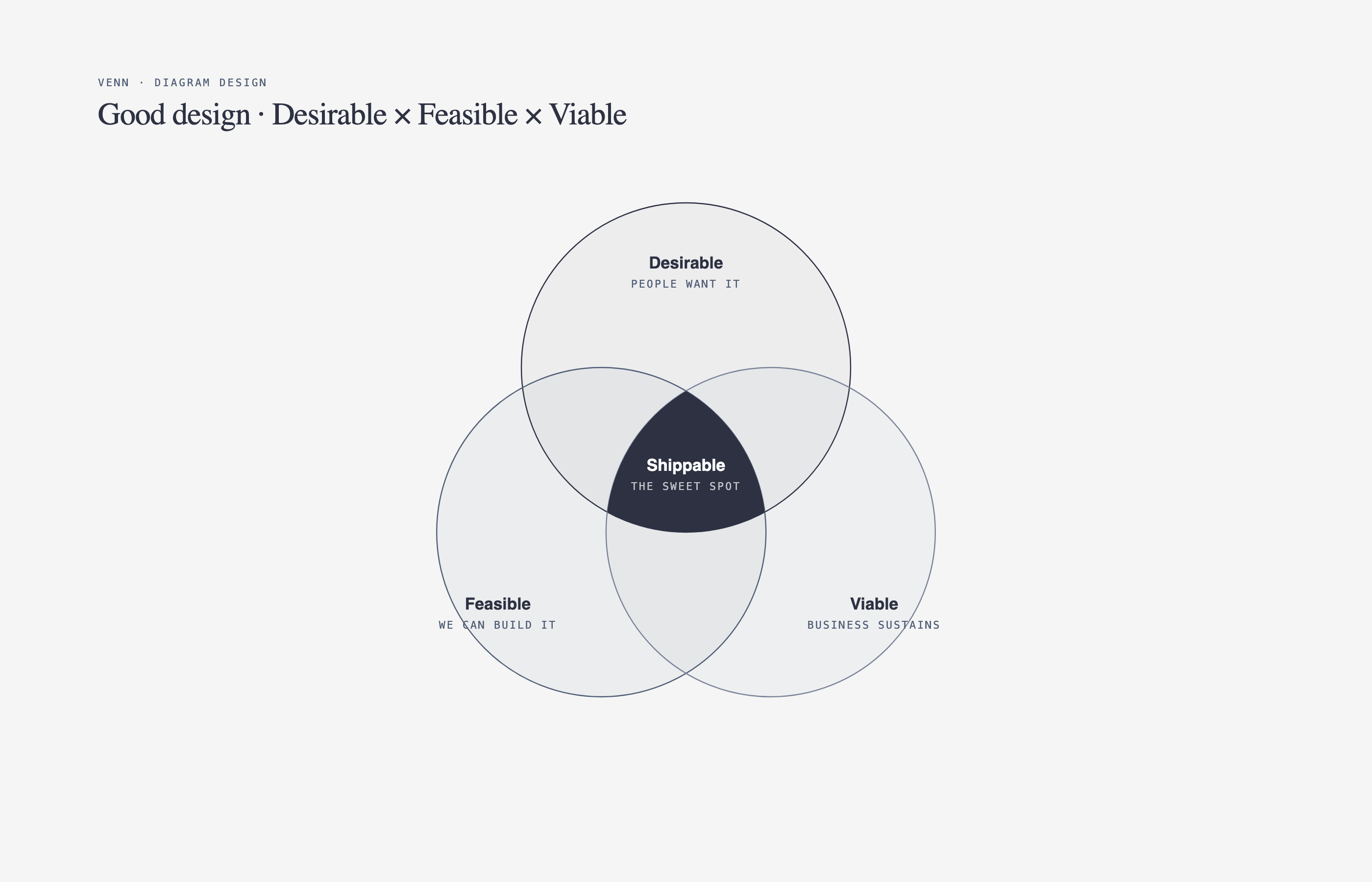 Venn Set overlap |
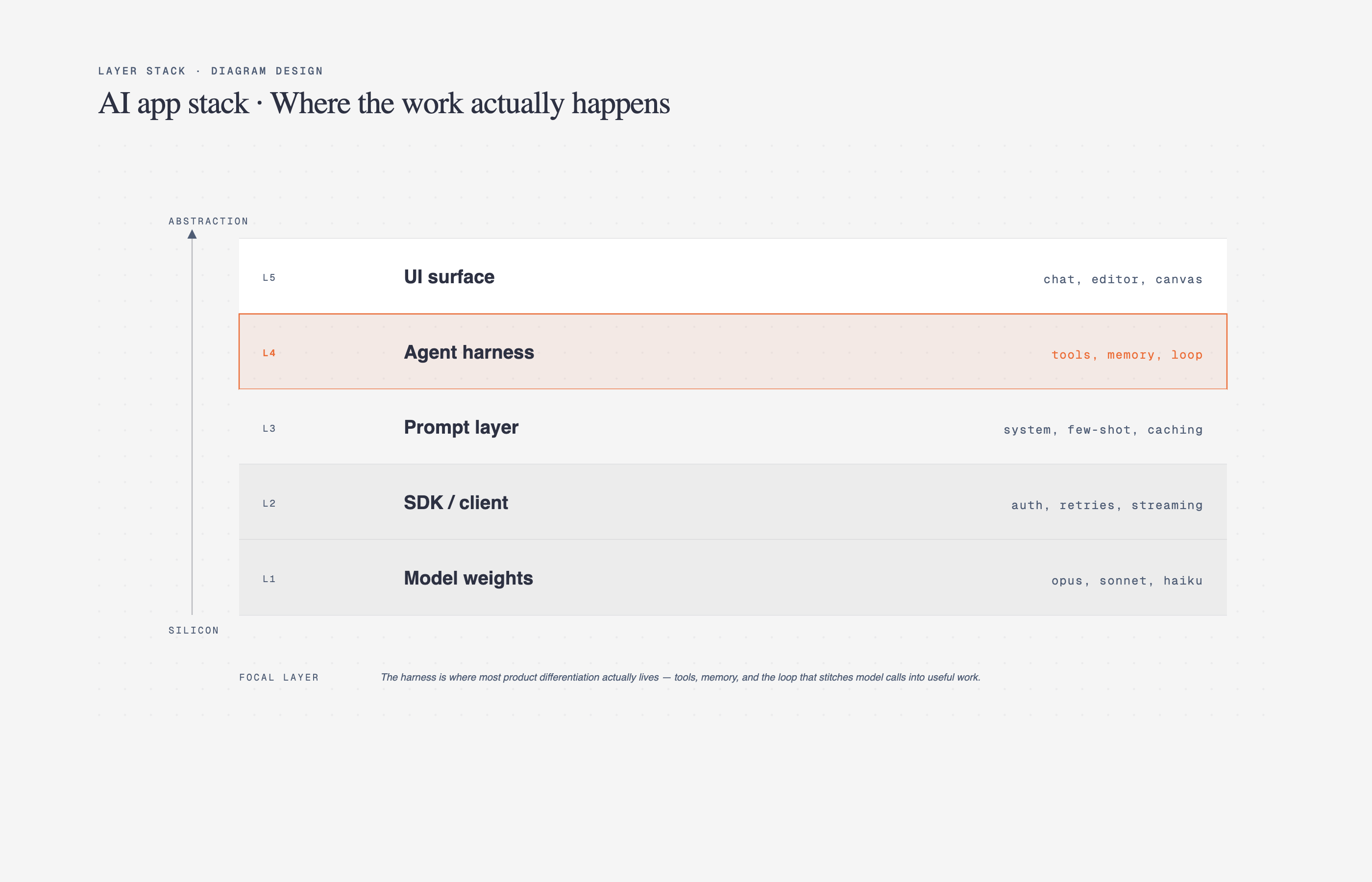 Layer stack Stacked abstractions | 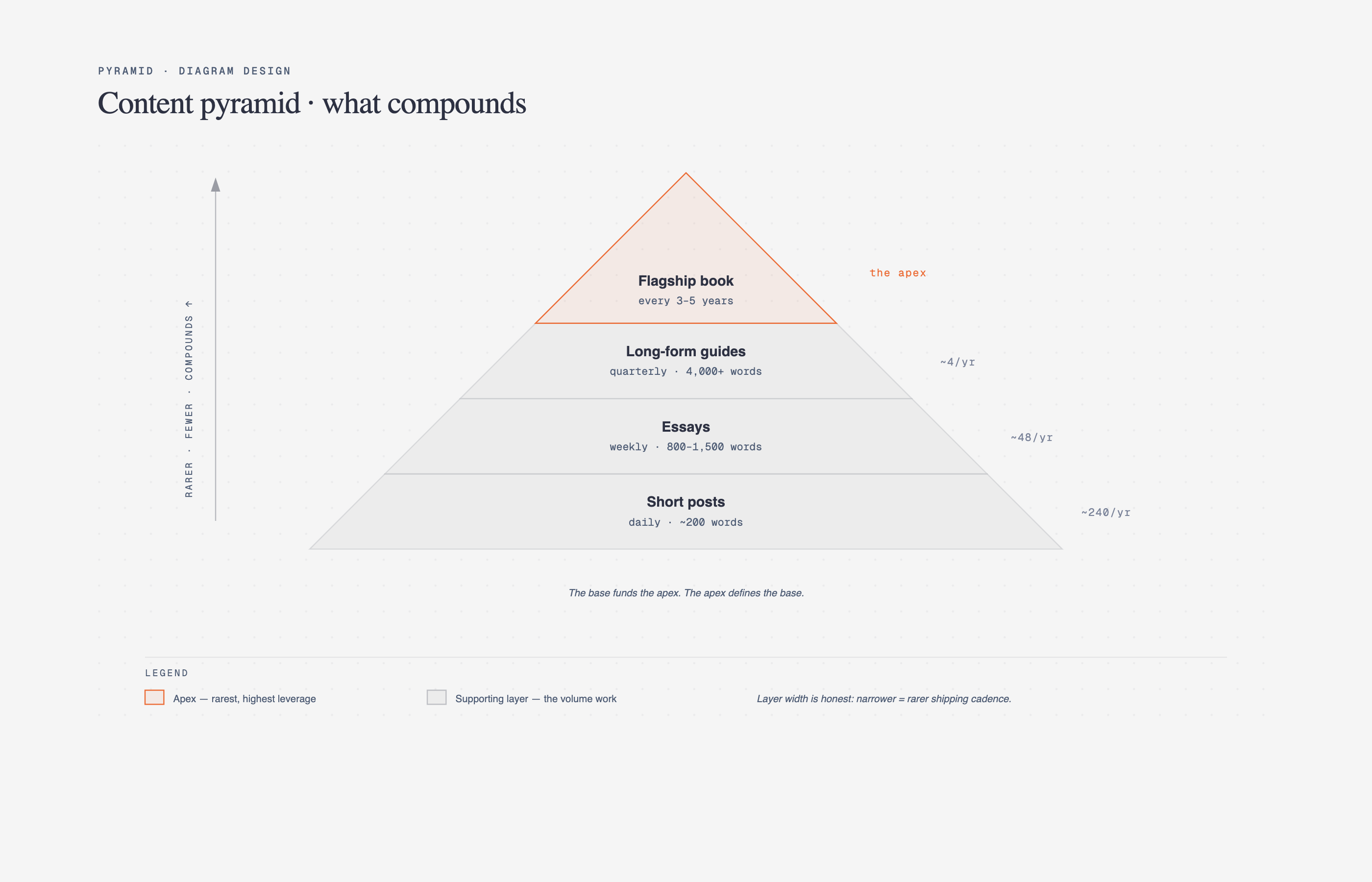 Pyramid / funnel Ranked hierarchy or drop-off | 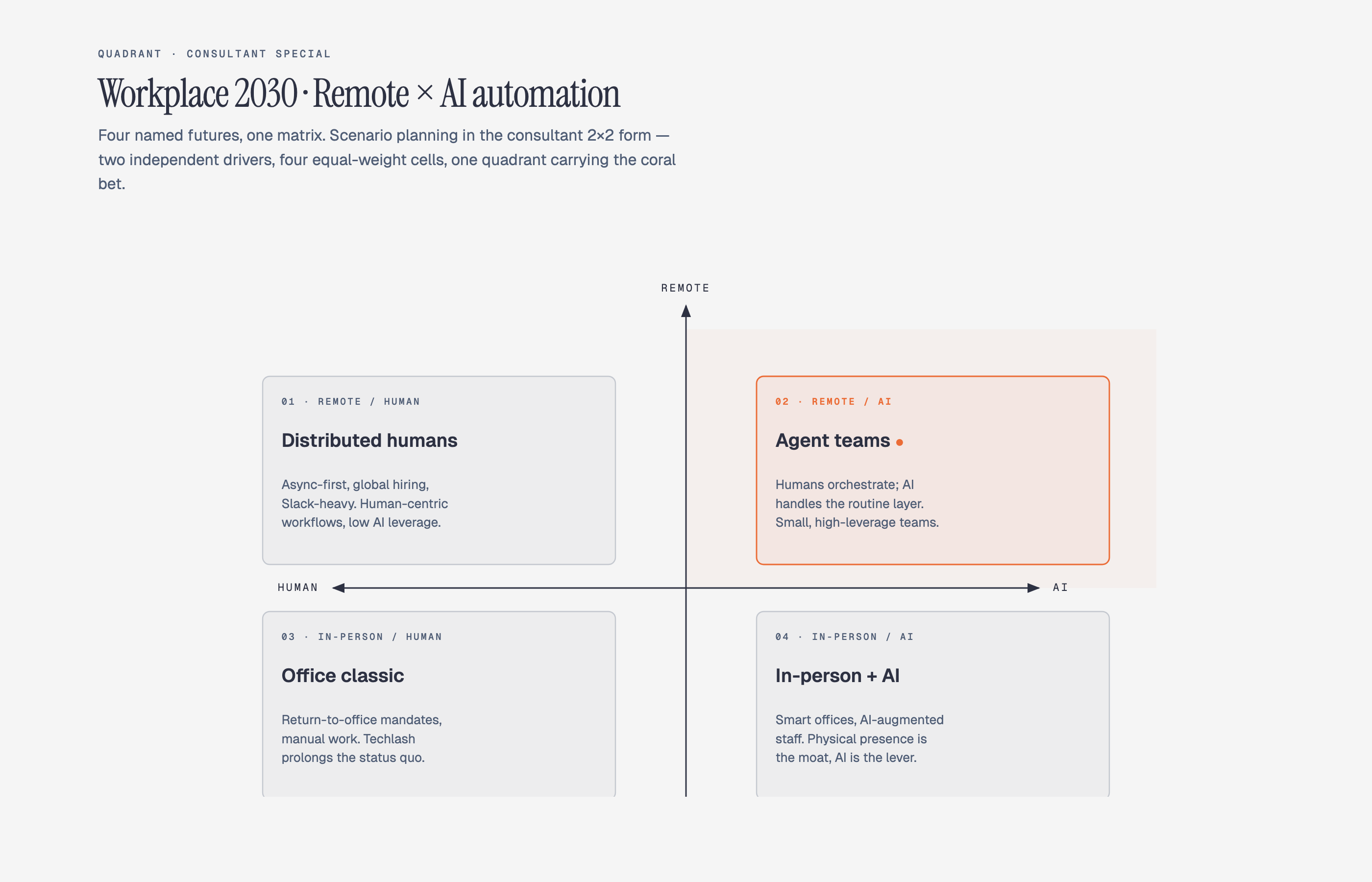 Consultant 2×2 Scenario matrix · named cells |
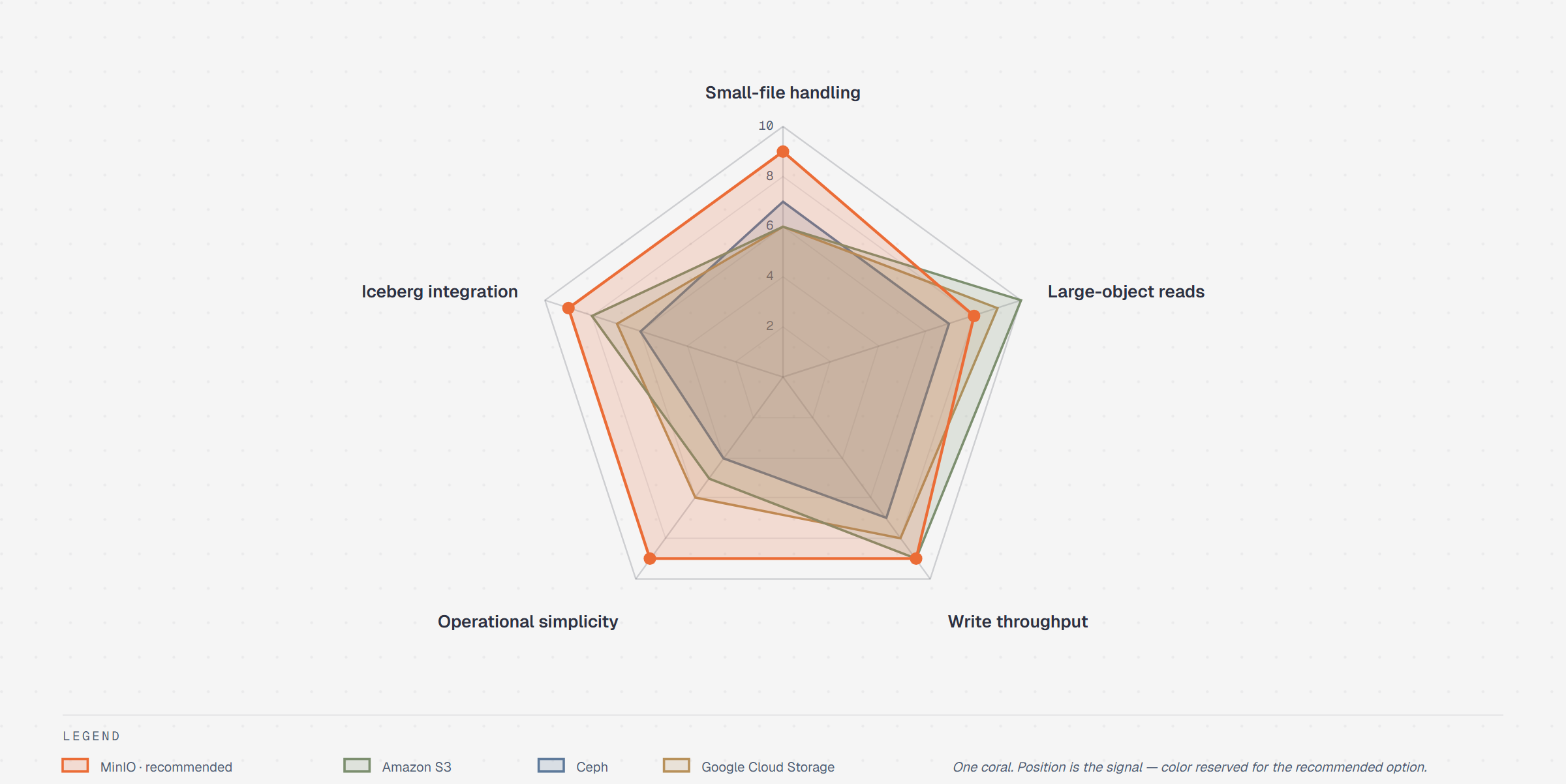 Radar / Spider Multi-axis comparison | Loop Flywheel · stations around a hub | 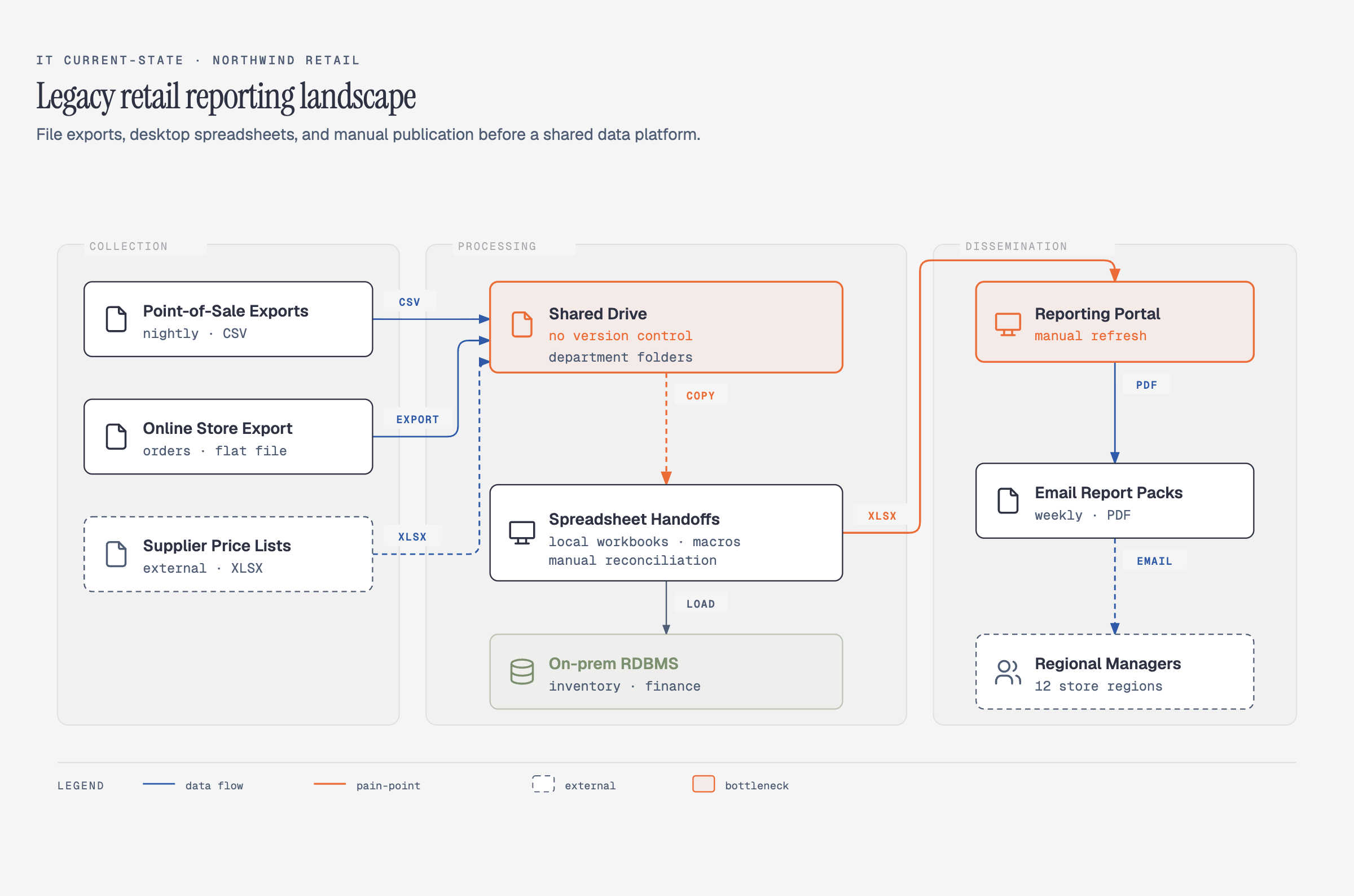 IT current-state Legacy landscape · modernization |
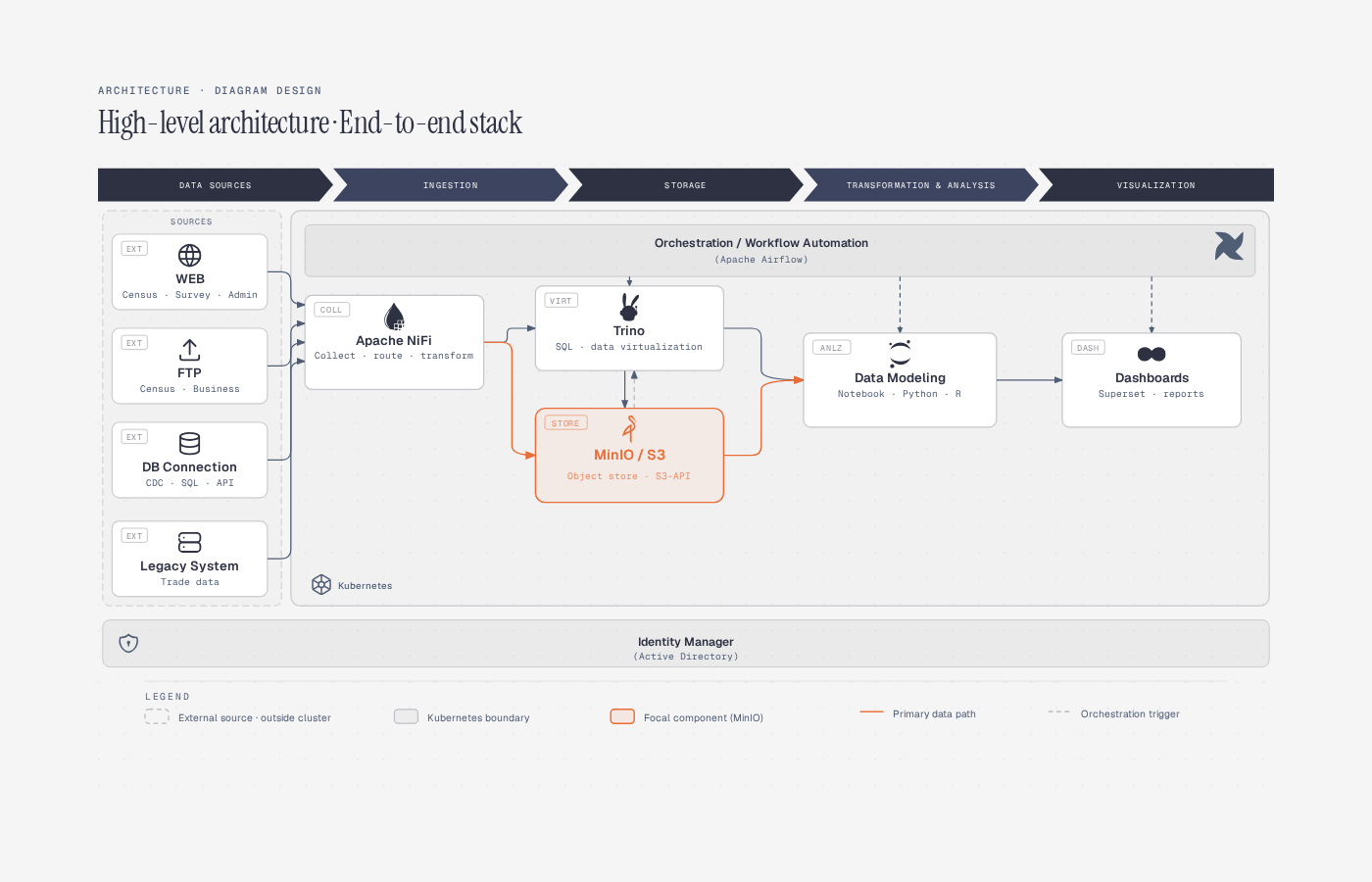 High-Level End-to-end stack on a cluster | 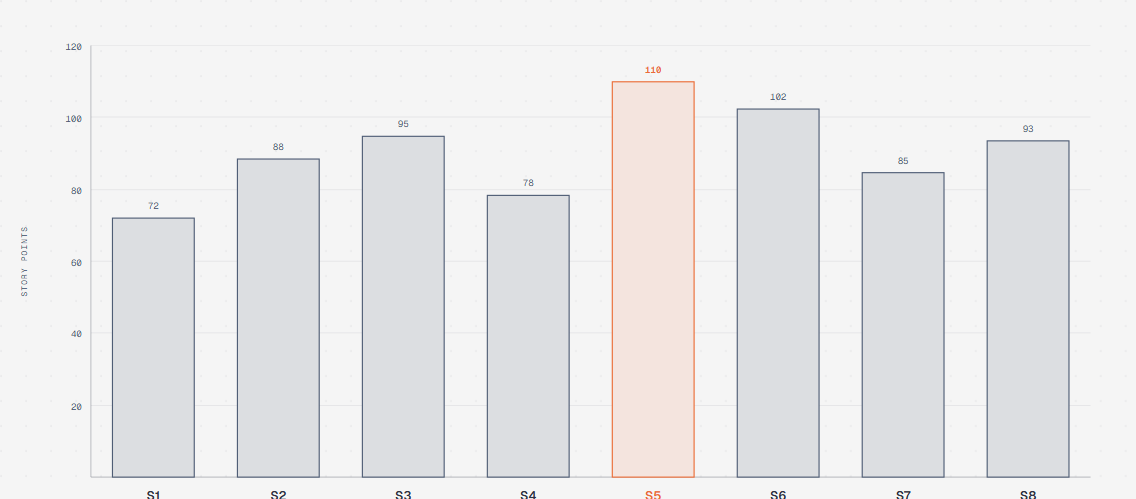 Bar chart Categorical comparison | 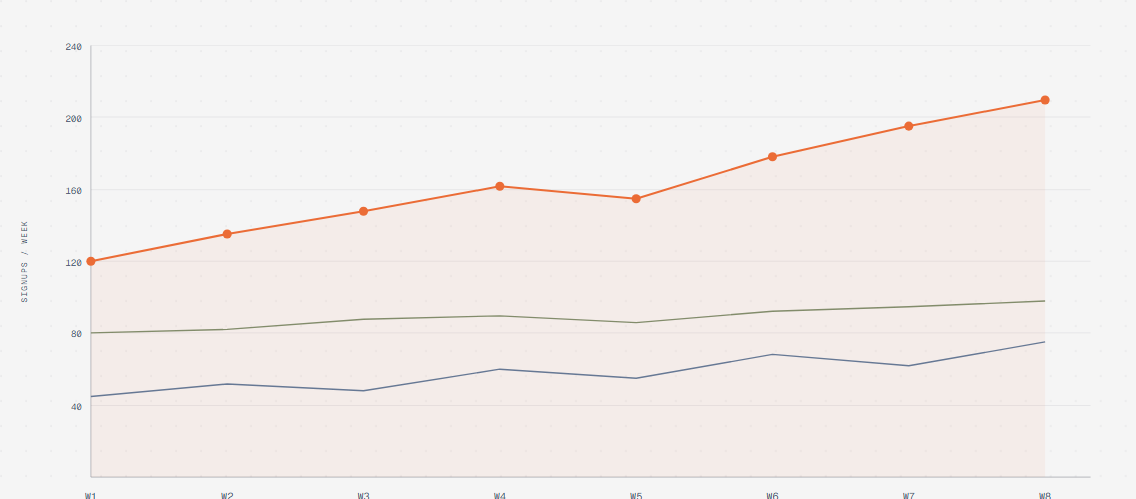 Line chart Trends over time |
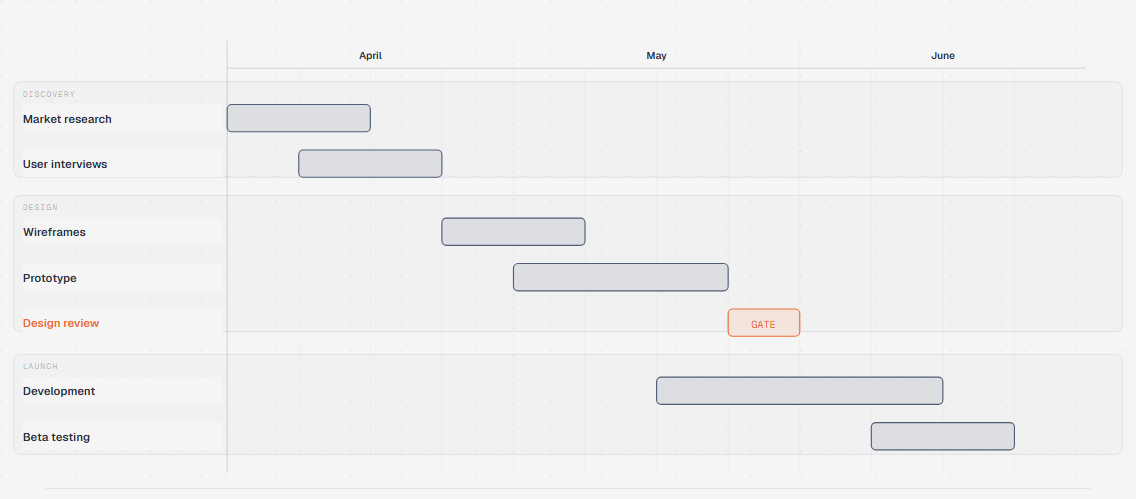 Gantt Tasks and phases on a timeline | 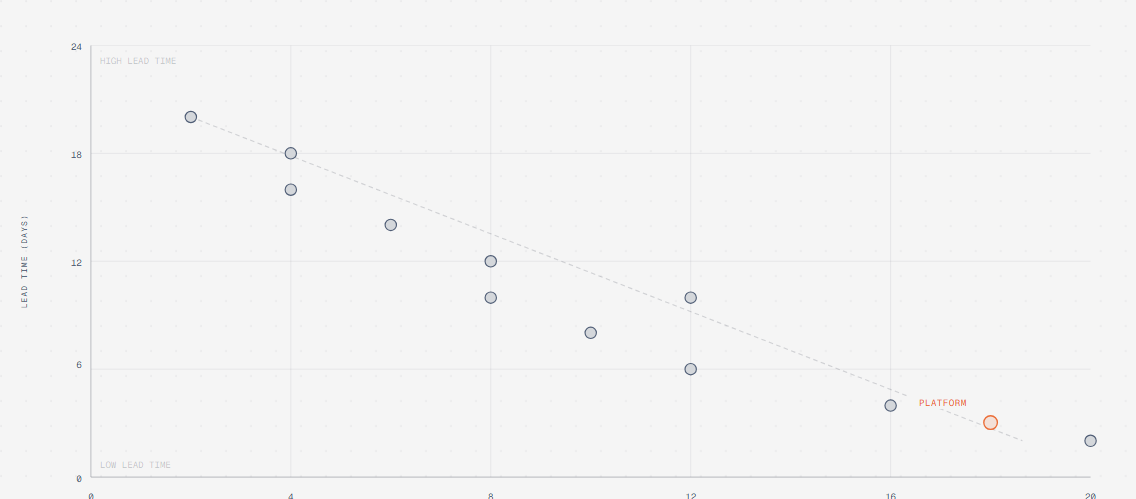 Scatter plot Distribution and correlation | 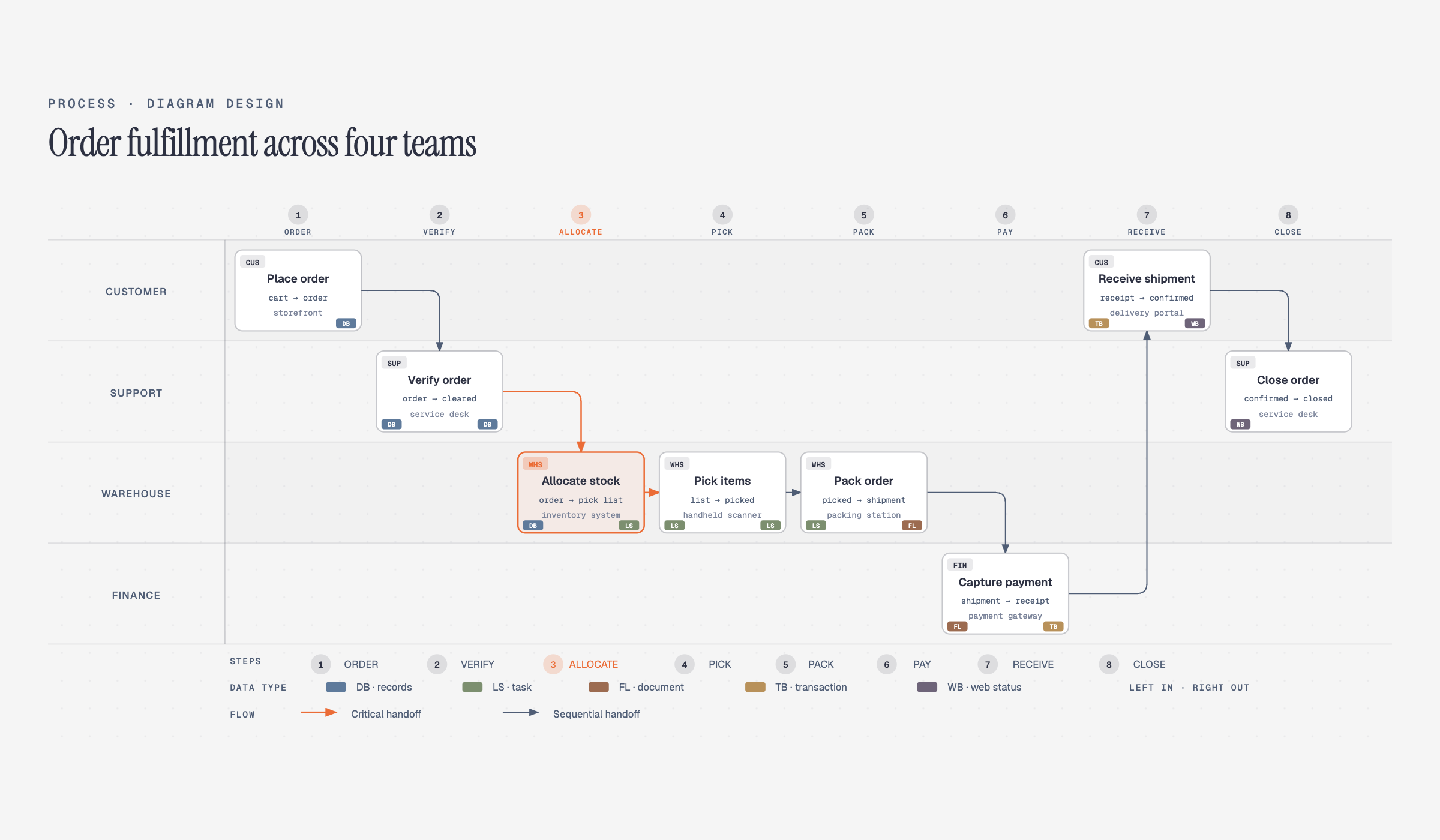 Process Multi-actor sequential workflow |
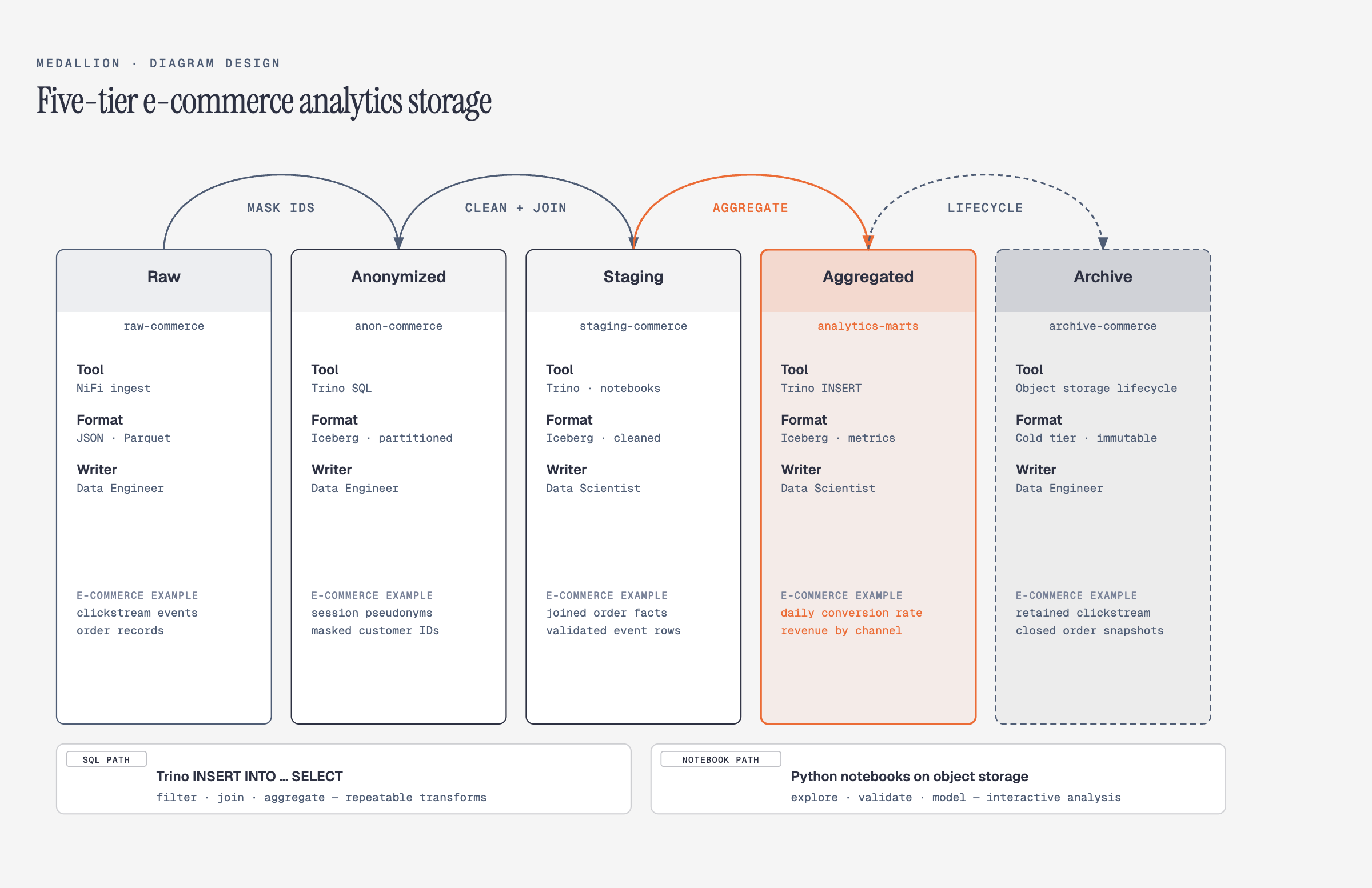 Medallion Multi-tier data storage | 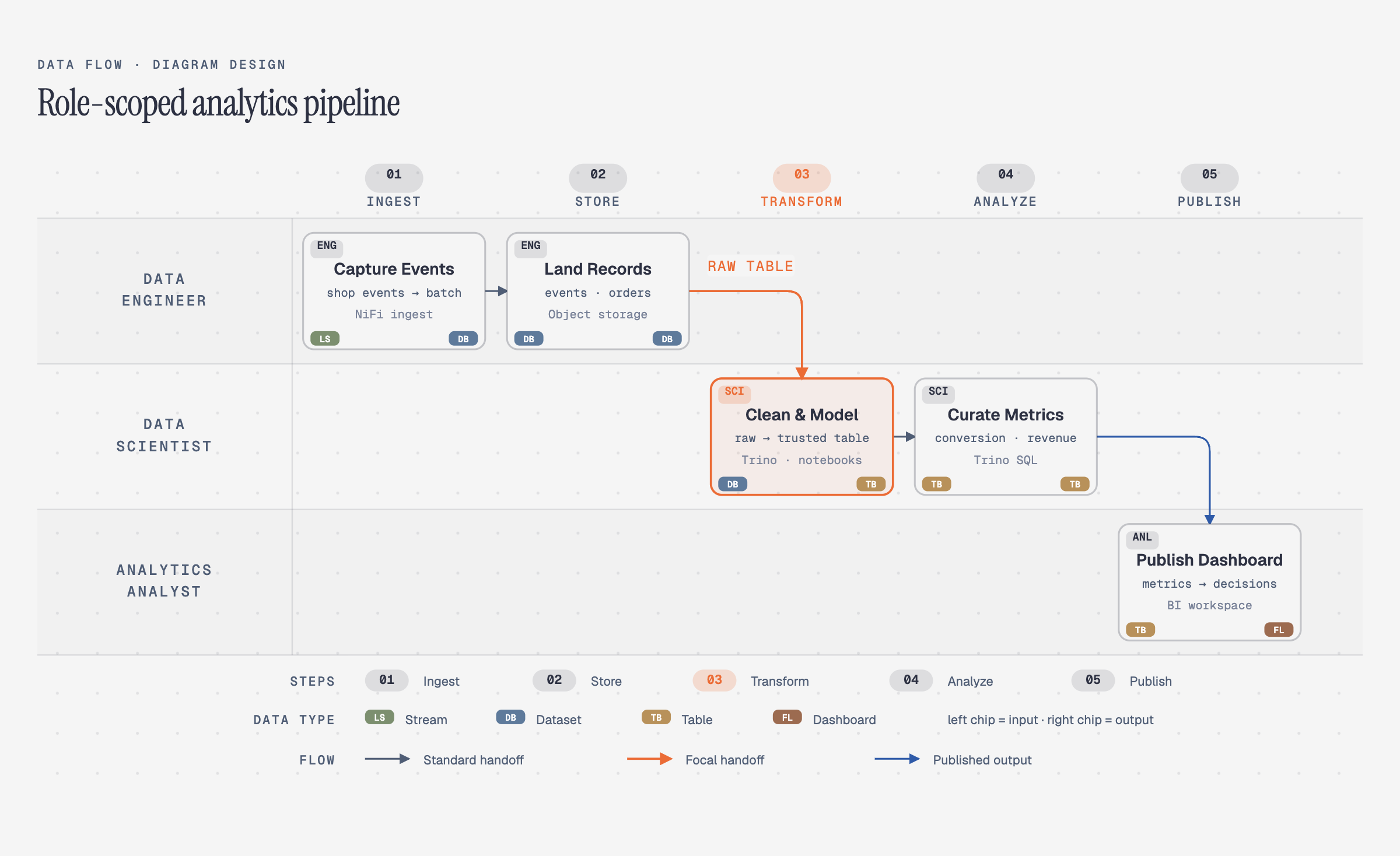 Data flow Role-scoped pipeline steps | 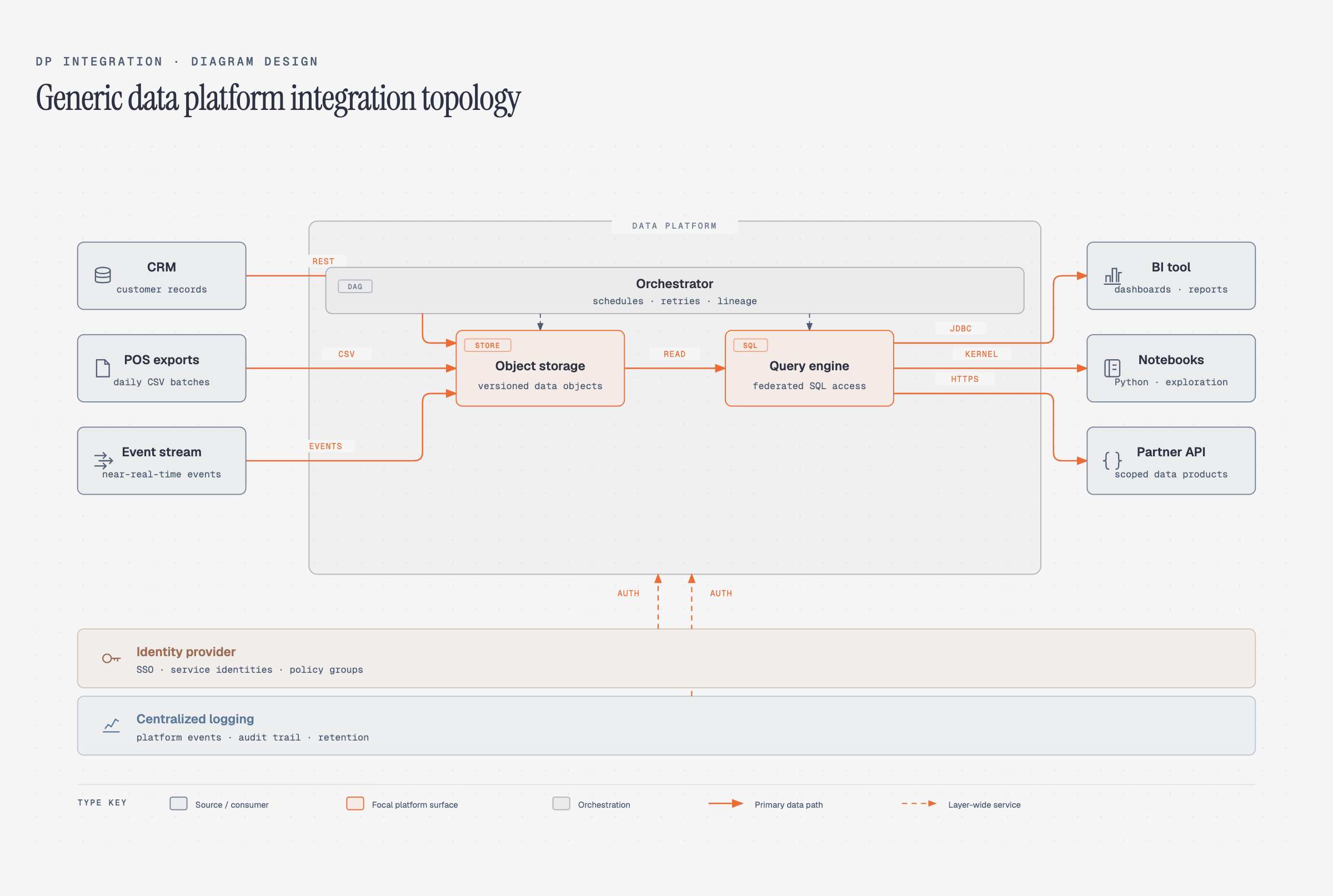 DP integration Sources → core → consumers |
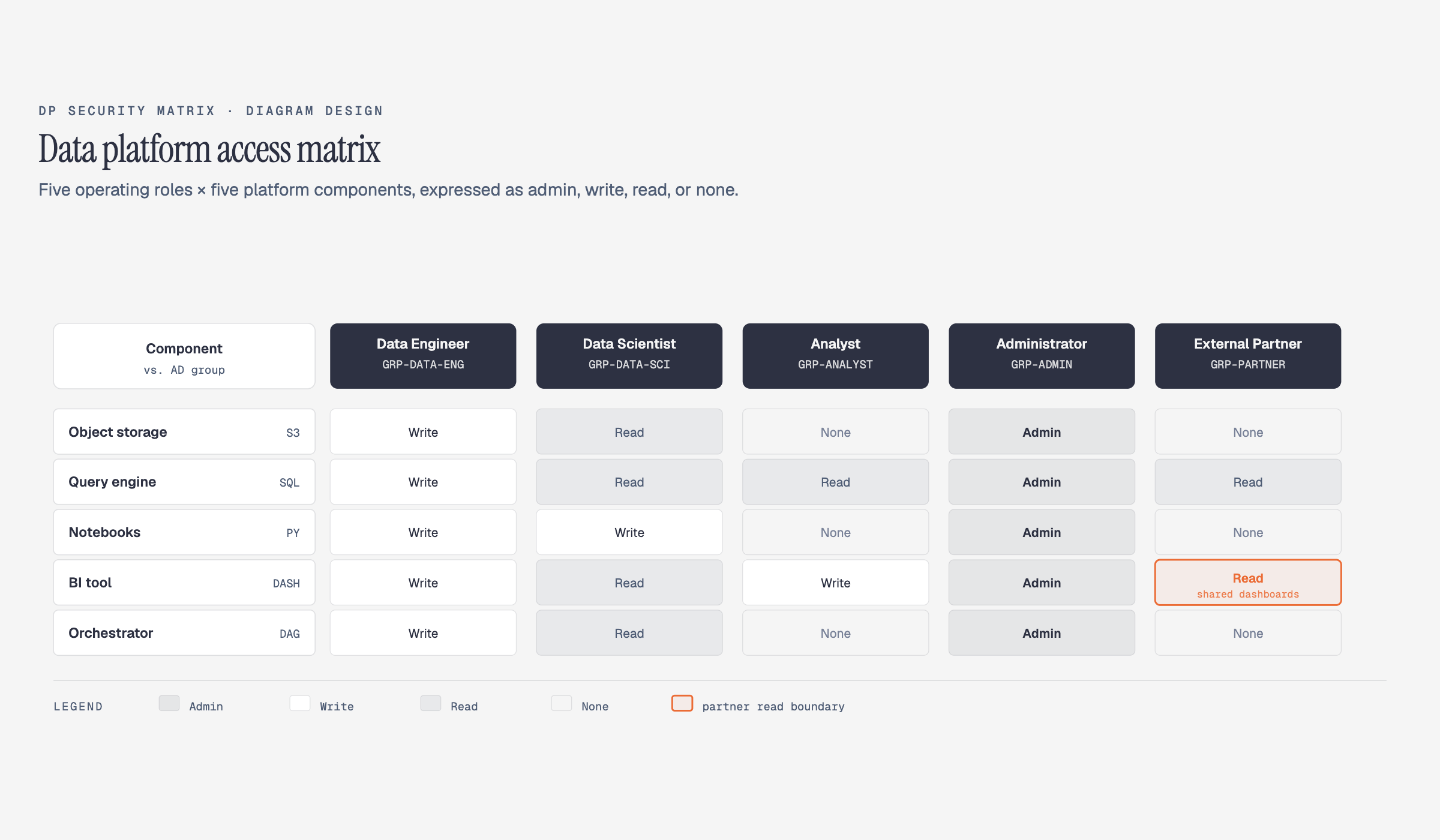 DP security matrix Per-role access permissions |
Browse the live gallery: open skills/diagram-design/assets/index.html in your browser to flip through all 27 diagrams with light / dark / full-editorial tabs.
Install
# Clone the repo somewhere, then symlink the inner skill into Claude Code's skills dir
git clone [email protected]:cathrynlavery/diagram-design.git ~/code/diagram-design
ln -s ~/code/diagram-design/skills/diagram-design ~/.claude/skills/diagram-design
The real skill lives at skills/diagram-design/ inside the repo (so the same tree works as a Claude Code plugin, a Codex plugin, and a standalone skill). The symlink points Claude Code at that inner directory.
Restart Claude Code. The skill registers as diagram-design and activates whenever you ask Claude to make a diagram.
Alternative: install as a plugin
Quicker to install — but the skill lives in the plugin cache, so edits to references/style-guide.md don't survive plugin updates. Pick this if you just want to try it out; use the clone route above if you plan to customize the style guide by hand.
Claude Code:
/plugin marketplace add cathrynlavery/diagram-design
/plugin install diagram-design@diagram-design
Claude Cowork: Customize → Directory → Plugins → + → paste cathrynlavery/diagram-design → Sync, then install from the Personal list.
Codex:
npx skills add https://github.com/cathrynlavery/diagram-design --skill diagram-design
Onboarding — make it look like your brand
The whole point: ship editorial-quality diagrams in your colors and typography, not a generic template.
Out of the box, diagrams render in a clean jet-black + atomic-tangerine palette (white-smoke paper, jet-black ink, atomic-tangerine accent, blue-slate muted, silver hairlines). Good enough to screenshot straight away. But 60 seconds of onboarding is better — the skill will pull your brand from your website and apply it across every diagram.
The flow
You:     "onboard diagram-design to https://yoursite.com"
Claude:  → fetches the homepage
         → extracts the dominant palette + font stack
         → maps detected values to semantic roles:
             paper, ink, muted, accent, link
         → shows a proposed diff
         → writes your tokens to references/style-guide.md
You:     "yes, apply it"
Every new diagram now uses your colors. Your website's paper color becomes the diagram background. Your CTA color becomes the focal accent. Your body font stack becomes the node label family.
What gets extracted
| Detected from your site | Becomes |
|---|---|
<body> background | paper token |
| Primary text color | ink token |
| Secondary / caption text | muted token |
| Cards or containers | paper-2 token |
| Most-used brand color (CTA, link, heading) | accent token |
<h1> font family | title font |
<body> font family | node-name font |
<code> / <pre> font | sublabel font |
Contrast checks happen automatically
Before writing tokens, the skill verifies WCAG AA contrast on ink over paper. If your site has a color that fails contrast at diagram sizes (9–12px), it proposes an adjusted value and explains why.
Manual override
Prefer to set tokens by hand? Open skills/diagram-design/references/style-guide.md and edit the table. Everything downstream reads from there — all 27 diagrams, the annotation primitive, and the gallery all inherit semantic role names (accent, not #eb6c36).
First-run gate
The skill won't silently ship default-skinned diagrams into a branded project. On first use in a new project, it checks if style-guide.md has been customized. If not, it pauses and asks:
"This is your first diagram in this project. The style guide is still at the default. Want to run onboarding, paste tokens manually, or proceed with default?"
See skills/diagram-design/references/onboarding.md for the full spec.
Quickstart
# Open the gallery to see all 27 diagrams
open ~/.claude/skills/diagram-design/assets/index.html

# In Claude Code, just ask:
# "Make me an architecture diagram of my app: frontend, backend, database, Redis cache."
# "I need a quadrant showing Q2 projects by impact vs effort."
# "Give me a sequence of a bearer call with token refresh on 401."
# (branching refresh uses the ALT combined-fragment grammar in type-sequence.md;
#  see assets/example-sequence-oauth.html — not a full authorize-code handshake)
Claude will pick the right type, build the HTML, and save it. You can also start from a template directly:
cp assets/template.html my-diagram.html        # minimal light
cp assets/template-full.html my-diagram.html   # editorial with summary cards
Export to PNG / SVG
Diagrams ship as self-contained HTML, but you can export the diagram itself for Figma, slides, or social cards. Use the slash command:
/diagram-design:export path/to/diagram.html
/diagram-design:export path/to/diagram.html --svg-only
/diagram-design:export path/to/diagram.html --png-only --scale=3
Or just ask in natural language:
"Export this diagram as SVG and PNG."
"Save my-diagram.html as PNG."
- SVG — extracts the
<svg>node and injects Google Fonts so it renders standalone in browsers, Figma, and Illustrator. - PNG — rasterizes the diagram via Playwright at 2× by default. One-time setup:
pip install playwright && playwright install chromium.
Both formats are diagram-only — editorial cards and headers from -full variants aren't included. For a screenshot of the full editorial layout, use your browser's print-to-PDF or full-page screenshot. See skills/diagram-design/references/export.md for the full procedure.
Architecture
Progressive disclosure. SKILL.md is a lean index — it tells Claude how to pick a type and where to look for detail. Every type lives in its own reference file, loaded only when relevant.
diagram-design/
├── SKILL.md                         — top-level: philosophy, selection guide, checklist
├── references/                      — loaded only when a type or primitive is chosen
│   ├── style-guide.md               — single source of truth for colors + fonts
│   ├── onboarding.md                — the URL-to-tokens flow
│   ├── type-architecture.md
│   ├── type-flowchart.md
│   ├── type-sequence.md
│   ├── type-state.md
│   ├── type-er.md
│   ├── type-timeline.md
│   ├── type-swimlane.md
│   ├── type-quadrant.md
│   ├── type-nested.md
│   ├── type-tree.md
│   ├── type-org-chart.md
│   ├── type-layers.md
│   ├── type-venn.md
│   ├── type-pyramid.md
│   ├── primitive-annotation.md      — italic-serif editorial callouts
│   ├── primitive-sketchy.md         — hand-drawn SVG filter variant
│   └── primitive-terminal.md        — charcoal-black CLI-window variant
├── assets/
│   ├── index.html                   — live gallery, tabbed
│   ├── template*.html               — scaffolds for new diagrams
│   ├── example-<type>.html          — 3 variants × 27 types
│   ├── example-loop-terminal.html   — terminal-variant flagship
│   ├── example-quadrant-consultant.html  — consultant-special 2×2 scenario matrix
│   └── example-sequence-oauth*.html — sequence special: bearer + ALT refresh
└── docs/screenshots/                — the images in this README
This keeps Claude's working context tight (only load what you need) and makes the skill easy to extend — drop a new type-<name>.md and wire it into the selection guide. The skill ships with 34 reference files covering every diagram type, primitive, and utility.
Contributing / skin lint
Before submitting a new example, run python3 scripts/lint-skin.py <your-new-example.html>.
The repository-wide check python3 scripts/lint-skin.py --all --baseline must stay green.
What loads when
The top-level SKILL.md is always in context. Everything else is pulled in only when relevant — this is what keeps the skill fast even with 34 reference files.
| You ask for… | Claude loads |
|---|---|
| "Make me a flowchart" | SKILL.md + references/type-flowchart.md |
| "Build an architecture diagram" | SKILL.md + references/type-architecture.md |
| "Onboard this skill to my site" | SKILL.md + references/onboarding.md + references/style-guide.md |
| "Add an editorial callout to this diagram" | SKILL.md + references/primitive-annotation.md |
| "Give me a hand-drawn version" | SKILL.md + references/primitive-sketchy.md |
| "Give me a terminal / CLI-window version" | SKILL.md + references/primitive-terminal.md |
| Routine diagram-making (any of the 27 diagrams) | Only SKILL.md + that one type's reference |
No matter how many types exist, Claude only reads the one you need. Add a new type tomorrow and nothing else changes.
The design system (in one paragraph)
One accent color, 1–2 focal elements per diagram. Three font families: Instrument Serif (title + italic callouts), Geist sans (node names), Geist Mono (technical sublabels). 1px hairline borders, no shadows, max border-radius 10px. Every coord, width, and gap divisible by 4 — non-negotiable, it's what keeps the diagrams from feeling AI-generated. Mono is for technical content (ports, URLs, field types), not a blanket "dev" aesthetic. Coral-tinted focal nodes draw the eye to the 1–2 things that matter. Full spec in SKILL.md.
Primitives
- Annotation callout — italic Instrument Serif + dashed Bézier leader, for editorial asides that sit in the margins. See
skills/diagram-design/references/primitive-annotation.md. - Sketchy filter — SVG turbulence + displacement map for a hand-drawn variant. Good for essays, not for technical docs. See
skills/diagram-design/references/primitive-sketchy.md. - Icon set — 55 monochrome IT/cloud icons (laptop, phone, user, server, database, Docker, Kubernetes, AWS, Azure, GitHub, Postgres…) for richer architecture and sequence diagrams. Stroked icons from Tabler Icons (MIT); brand silhouettes from Simple Icons (CC0). Each icon uses
currentColorso it inherits the editorial skin or your onboarded brand. Seeskills/diagram-design/references/primitive-icons.md; browse the gallery. Regenerate withpython scripts/build-icons.py.
When not to use this skill
- Quick unicode diagrams for tweets or terminal output → wiretext-style skill.
- Lists of anything → a table or bullets.
- Before/after comparisons → a table.
- One-shape "diagrams" — a single box with a label → just write the sentence.
Before drawing, ask: would a reader learn more from this than from a well-written paragraph? If no, don't draw.
About
Made by Cathryn Lavery — founder of BestSelf.co. I write about AI, entrepreneurship, and designing nice-looking things at littlemight.com — blog + newsletter.
If this is useful, star the repo and come say hi on X.
Discover Repositories
Search across tracked repositories by name or description