
browsh-org/browsh
A fully-modern text-based browser, rendering to TTY and browsers

Loading star history...
Health Score
75
Weekly Growth
+0
+0.0% this week
Contributors
1
Total contributors
Open Issues
242
Generated Insights
About browsh


A fully interactive, real-time, and modern text-based browser rendered to TTYs and browsers
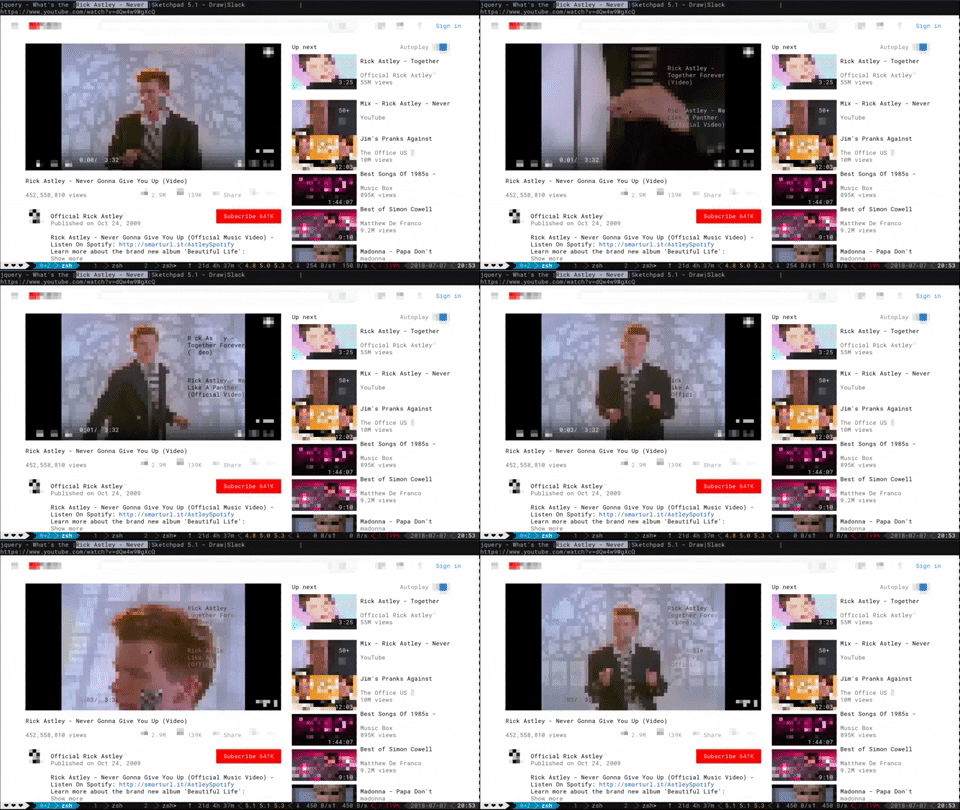
Why use Browsh?
Not all the world has good Internet.
If you only have a 3kbps internet connection tethered from a phone, then it's good to SSH into a server and browse the web through, say, elinks. That way the server downloads the web pages and uses the limited bandwidth of an SSH connection to display the result. However, traditional text-based browsers lack JS and all other modern HTML5 support. Browsh is different in that it's backed by a real browser, namely headless Firefox, to create a purely text-based version of web pages and web apps. These can be easily rendered in a terminal or indeed, ironically, in another browser. Do note that currently the browser client doesn't have feature parity with the terminal client.
Why not VNC? Well VNC is certainly one solution but it doesn't quite have the same ability to deal with extremely bad Internet. Terminal Browsh can also use MoSH to further reduce bandwidth and increase stability of the connection. Mosh offers features like automatic reconnection of dropped or roamed connections and diff-only screen updates. Furthermore, other than SSH or MoSH, terminal Browsh doesn't require a client like VNC.
One final reason to use terminal Browsh could be to offload the battery-drain of a modern browser from your laptop or low-powered device like a Raspberry Pi. If you're a CLI-native, then you could potentially get a few more hours of life if your CPU-hungry browser is running somewhere else on mains electricity.
Installation
Download a binary from the releases (~11MB). You will need to have Firefox already installed.
Or download and run the Docker image (~230MB) with:
docker run --rm -it browsh/browsh
Usage
Most keys and mouse gestures should work as you'd expect on a desktop browser.
For full documentation click here.
Development
The Firefox Web Extension
This is needed to run essential JS inside web pages so that they render in a way that Browsh can consume.
You will need to install nodejs, usually available from your OS package manager. Though for development purposes the recommended method is with https://mise.jdx.dev.
Then in the webext directory
npm installnpx webpack --watch
The browsh Golang code
You will need to install go, usually available from your OS package manager. Though for development purposes the recommended method is with https://mise.jdx.dev.
Then in the interfacer directory
go run ./cmd/browsh --debug
Logs will be available in interfacer/debug.log
Tests
For the webextension: in webext/ folder, npm test
For CLI unit tests: in /interfacer run go test src/browsh/*.go
For CLI E2E tests: in /interfacer run go test test/tty/*.go
For HTTP Service tests: in /interfacer run go test test/http-server/*.go
Special Thanks
- @tobimensch For essential early feedback and user testing.
- @arasatasaygin For the Browsh logo.
Donating
Please consider donating: https://www.brow.sh/donate
License
GNU Lesser General Public License v2.1
Discover Repositories
Search across tracked repositories by name or description