
GitbookIO/gitbook
The open source frontend for GitBook doc sites
Build with Backblaze B2
SDKs, agent skills, IDE extensions, and reference pipelines from Backblaze Labs. All open source.
Loading star history...
Use Cases & Benefits
- Provides the open source frontend rendering engine for GitBook's published documentation sites using TypeScript and Next.js.
- Enables self-hosting and customization of GitBook documentation rendering while maintaining compatibility with the official GitBook platform.
- Use for embedding and customizing technical documentation within your own web applications or intranet portals.
- Use for running a local development server to preview and test GitBook documentation changes before publishing.
- Use for contributing to or extending the GitBook rendering engine with new features, translations, or bug fixes.
About gitbook
GitBook
Docs - Community - Developer Docs - Changelog - Bug reports - Feature requests





Welcome to GitBook, the platform for managing technical knowledge for teams.
This repository contains the open source code used to render GitBook's published content.
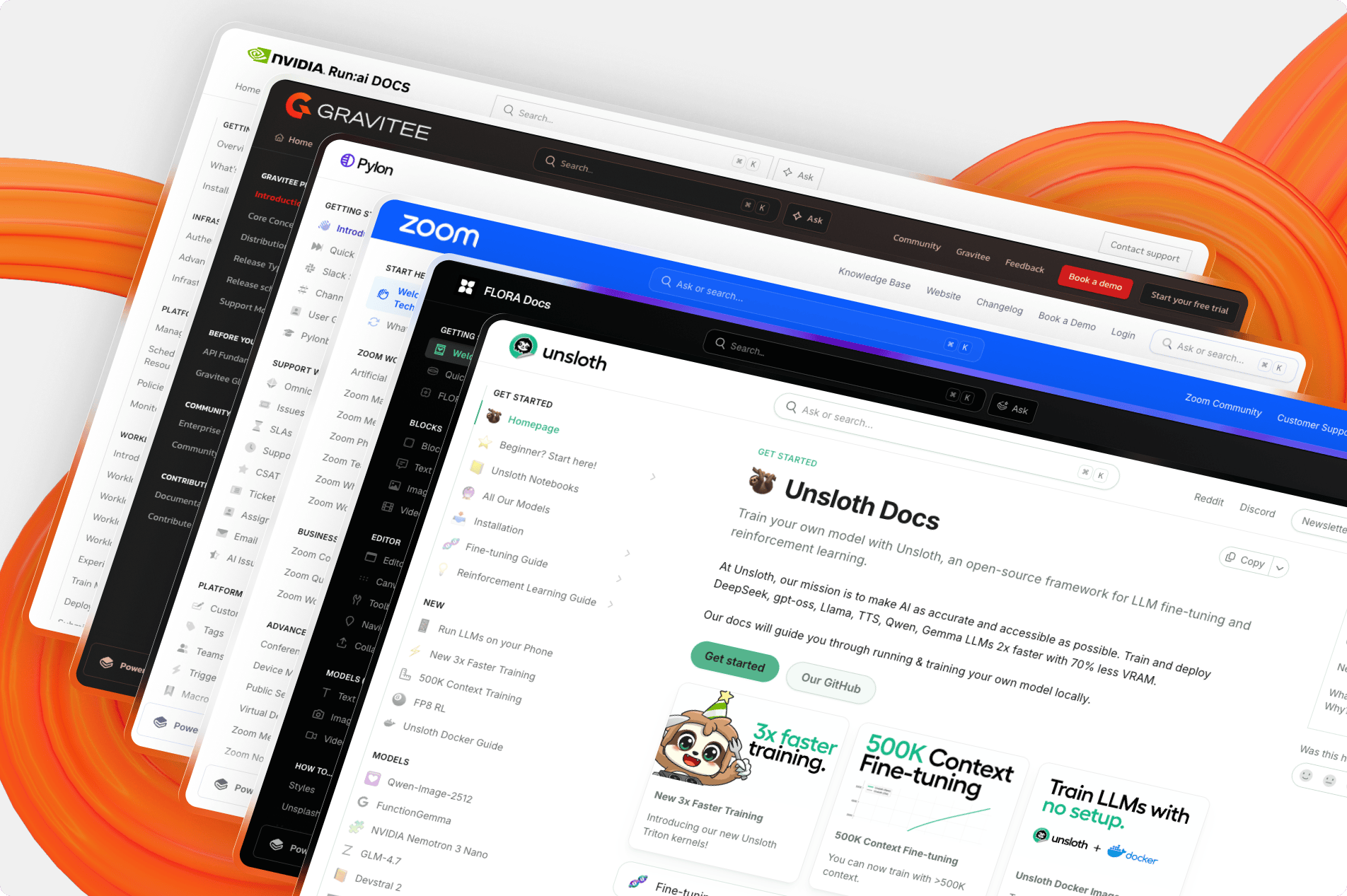
Table of Contents
Getting Started
To run a local version of this project, please follow these simple steps.
Prerequisites
- Node.js (Version: >= 22.3)
- Use nvm for easy Node management
- Bun (Version: >=1.2.15)
- We use a text-based lockfile which isn't supported below 1.2.15
Set up
- Clone the repo into a public GitHub repository. If you plan to distribute the code, keep the source code public to comply with GNU GPLv3. To clone in a private repository, acquire a commercial license.
git clone https://github.com/gitbookIO/gitbook.git
-
Ensure you are using the project's version of
node. Runningnvm usewill change your local version to the correct one. -
Install the project's dependencies through Bun.
bun install
- Start your local development server.
bun dev
- Open a published GitBook space in your web browser, prefixing it with
http://localhost:3000/url.
examples:
- http://localhost:3000/url/gitbook.com/docs
- http://localhost:3000/url/open-source.gitbook.io/midjourney
Any published GitBook site can be accessed through your local development instance, and any updates you make to the codebase will be reflected in your browser.
CI and testing
All pull-requests will be tested against both visual and performances testing to prevent regressions.
Fonts and Icons
GitBook Open uses fontawesome. During development, your local environment will use the free version. However, only the pro version will be accepted by CI. If you see the following error:
The GitBook icon is missing. It indicates that the dependencies were installed without the correct font-awesome package. These changes have probably been persisted in the Bun lockfile. Read the README for more information.
It means that you've changed the GBO dependencies and bundled in the free version. Only GitBook staff can help with this - if you're not on the GitBook team, please ping us in the PR and we'll help get things moving.
If you are GitBook staff, you'll need our NPM token in your local environment.
.env.local

BUN_NPM_TOKEN=xxx
and then reinstall dependencies.
Contributing
GitBook's rendering engine is fully open source and built on top of Next.js. Head to our contributing guide to learn more about the workflow on adding your first Pull Request.
Types of contributions
We encourage you to contribute to GitBook to help us build the best tool for documenting technical knowledge. If you're looking for some quick ways to contribute, continue reading to learn more about popular contributions.
Translations
The GitBook UI is rendered using a set of translation files found in packages/gitbook/src/intl/translations. We welcome all additional translations for the UI.
Bugs
Encounter a bug or find an issue you'd like to fix? Helping us fix issues related to GitBook greatly improves the experience for everyone. Head to the issues section of this repository to learn more about the types of bugs you can already help out with.
Deployment
[!WARNING]
While it is possible to self-host this project, we do not recommend this unless you are certain this option fits your need.Looking to add a specific feature in GitBook? Head to our contributing guide to get started.
Self-hosting this project puts the responsibility of maintaining and merging future updates on you. We cannot guarantee support, maintenance, or updates to forked and self-hosted instances of this project.
We want to make it as easy as possible for our community to collaborate and push the future of GitBook, which is why we encourage you to contribute to our product directly instead of creating your own version.
This project allows you to self-host the rendering portion of your GitBook published content. Self-hosting has pros and cons.
On the pro side, you can customize the look and feel of your content, and better embed your documentation in your application.
On the con side, you become responsible for the reliability of your published site, and keeping the renderer up-to-date with the changes made to the GitBook platform.
License
Distributed under the GNU GPLv3 License.
If you plan to distribute the code, you must make the source code public to comply with the GNU GPLv3. To clone in a private repository, acquire a commercial license.
See LICENSE for more information.
Badges


[](https://www.gitbook.com/preview?utm_source=gitbook_readme_badge&utm_medium=organic&utm_campaign=preview_documentation&utm_content=link)
<a href="https://www.gitbook.com/preview?utm_source=gitbook_readme_badge&utm_medium=organic&utm_campaign=preview_documentation&utm_content=link">
    <img
        src="https://img.shields.io/static/v1?message=Documented%20on%20GitBook&logo=gitbook&logoColor=ffffff&label=%20&labelColor=5c5c5c&color=3F89A1"
    />
</a>
Acknowledgements
GitBook wouldn't be possible without these projects:
Contributors
Legacy GitBook (Deprecated)
Our previous version of GitBook and it's CLI tool are now deprecated. You can still view the old repository and it's commits on this branch.
Discover Repositories
Search across tracked repositories by name or description