
3b1b/manim
Animation engine for explanatory math videos
Build with Backblaze B2
SDKs, agent skills, IDE extensions, and reference pipelines from Backblaze Labs. All open source.
Loading star history...
Use Cases & Benefits
- Manim is a Python-based animation engine designed for creating precise, programmatic explanatory math videos.
- Key technologies include Python 3.7+, OpenGL, FFmpeg, and optional LaTeX support for mathematical typesetting.
- Strengths include high precision and flexibility for math animations; limitations involve setup complexity and dependency on system libraries.
- Organizations can use Manim in production to create educational math content, leveraging its scripting for reproducible, customizable animations.
- Ideal use cases are educational videos, math tutorials, and any content requiring clear, programmatic visualization of mathematical concepts.
About manim
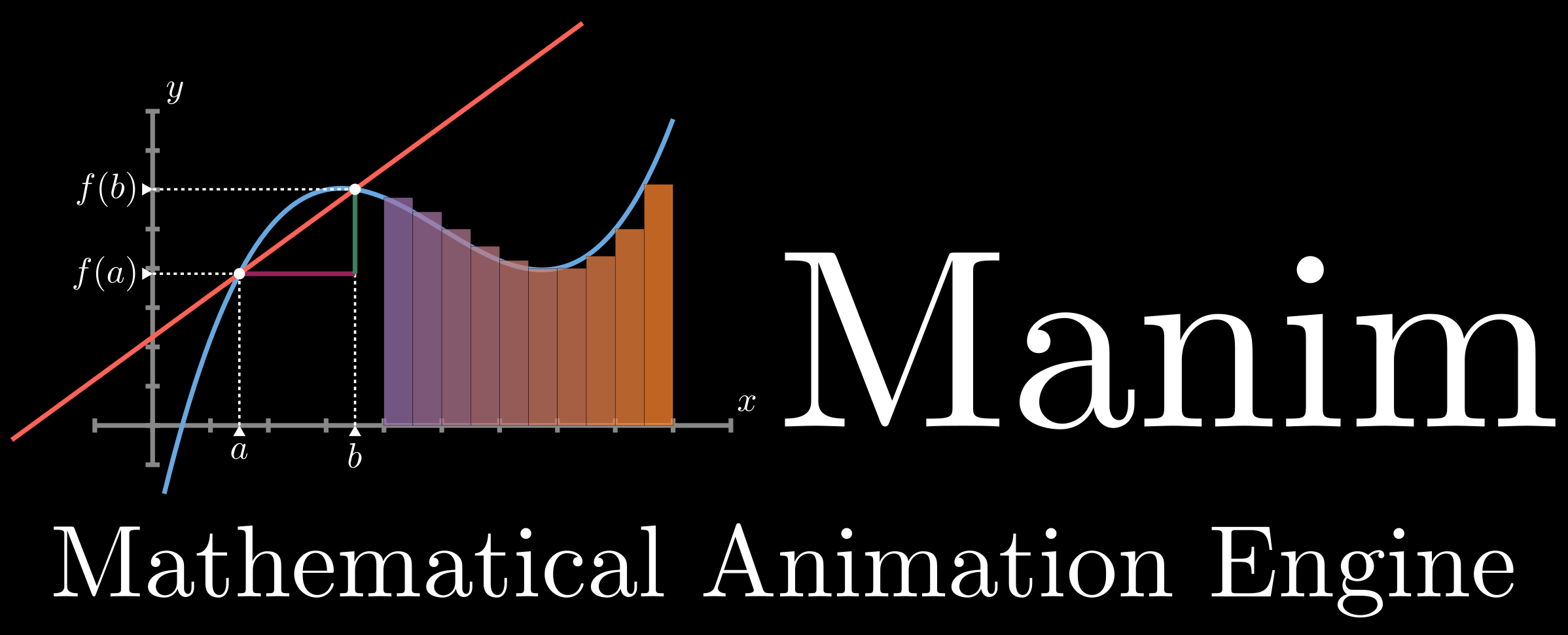




Manim is an engine for precise programmatic animations, designed for creating explanatory math videos.
Note, there are two versions of manim. This repository began as a personal project by the author of 3Blue1Brown for the purpose of animating those videos, with video-specific code available here. In 2020 a group of developers forked it into what is now the community edition, with a goal of being more stable, better tested, quicker to respond to community contributions, and all around friendlier to get started with. See this page for more details.
Installation
[!Warning] WARNING: These instructions are for ManimGL only. Trying to use these instructions to install Manim Community/manim or instructions there to install this version will cause problems. You should first decide which version you wish to install, then only follow the instructions for your desired version.
[!Note] Note: To install manim directly through pip, please pay attention to the name of the installed package. This repository is ManimGL of 3b1b. The package name is
manimglinstead ofmanimormanimlib. Please usepip install manimglto install the version in this repository.
Manim runs on Python 3.7 or higher.
System requirements are FFmpeg, OpenGL and LaTeX (optional, if you want to use LaTeX). For Linux, Pango along with its development headers are required. See instruction here.
Directly
# Install manimgl
pip install manimgl

# Try it out
manimgl
For more options, take a look at the Using manim sections further below.
If you want to hack on manimlib itself, clone this repository and in that directory execute:
# Install manimgl
pip install -e .

# Try it out
manimgl example_scenes.py OpeningManimExample
# or
manim-render example_scenes.py OpeningManimExample
Directly (Windows)
- Install FFmpeg.
- Install a LaTeX distribution. MiKTeX is recommended.
- Install the remaining Python packages.
git clone https://github.com/3b1b/manim.git
cd manim
pip install -e .
manimgl example_scenes.py OpeningManimExample
Mac OSX
-
Install FFmpeg, LaTeX in terminal using homebrew.
brew install ffmpeg mactex -
If you are using an ARM-based processor, install Cairo.
arch -arm64 brew install pkg-config cairo -
Install latest version of manim using these command.
git clone https://github.com/3b1b/manim.git
cd manim
pip install -e .
manimgl example_scenes.py OpeningManimExample (make sure to add manimgl to path first.)
Anaconda Install
- Install LaTeX as above.
- Create a conda environment using
conda create -n manim python=3.8. - Activate the environment using
conda activate manim. - Install manimgl using
pip install -e ..
Using manim
Try running the following:
manimgl example_scenes.py OpeningManimExample
This should pop up a window playing a simple scene.
Look through the example scenes to see examples of the library's syntax, animation types and object types. In the 3b1b/videos repo, you can see all the code for 3blue1brown videos, though code from older videos may not be compatible with the most recent version of manim. The readme of that repo also outlines some details for how to set up a more interactive workflow, as shown in this manim demo video for example.
When running in the CLI, some useful flags include:
-wto write the scene to a file-oto write the scene to a file and open the result-sto skip to the end and just show the final frame.-sowill save the final frame to an image and show it
-n <number>to skip ahead to then'th animation of a scene.-fto make the playback window fullscreen
Take a look at custom_config.yml for further configuration. To add your customization, you can either edit this file, or add another file by the same name "custom_config.yml" to whatever directory you are running manim from. For example this is the one for 3blue1brown videos. There you can specify where videos should be output to, where manim should look for image files and sounds you want to read in, and other defaults regarding style and video quality.
Documentation
Documentation is in progress at 3b1b.github.io/manim. And there is also a Chinese version maintained by @manim-kindergarten: docs.manim.org.cn (in Chinese).
manim-kindergarten wrote and collected some useful extra classes and some codes of videos in manim_sandbox repo.
Contributing
Is always welcome. As mentioned above, the community edition has the most active ecosystem for contributions, with testing and continuous integration, but pull requests are welcome here too. Please explain the motivation for a given change and examples of its effect.
License
This project falls under the MIT license.
Discover Repositories
Search across tracked repositories by name or description